MIND FORGE AI / PRACTICAL CREATION GUIDE
AI Product Video Ads: From a Product Photo to a Reviewed Clip
Approve an accurate product still, animate a simple movement, then add your message and sound separately. This guide includes our recorded bottle-video case and a suggested ad assembly plan.
Your practical workflow
- Keep a clear source image and check product shape, label and included accessories.
- Use the approved still as a first frame. Try a fixed camera and one subtle movement.
- Reject misleading changes, then assemble the approved clip with accurate text and appropriately licensed sound.
Start from a truthful product image
For an actual listing, use an accurate photo of the item or authorized imagery that represents it. A text-generated fictional product can illustrate an idea, but should not be used as proof of the shape, material or performance of a real product for sale.
Approve packaging before animation. Motion can make a small error harder to spot. Keep a checklist for cap shape, proportions, label wording, color, quantity and accessories.
What the recorded bottle case actually shows
The source was a fictional unbranded bottle image created in ChatGPT. The recorded video used Seedance 2.5 on November 6, 2026. An initial camera push cropped the base; the revised prompt requested a locked camera and restrained reflection movement. The public result is the revised clip.
This is a single workflow case. It is not a MiniMax H3 sample, a real-product shoot, a vertical ad or a controlled comparison between models. The visible media and settings below retain that context.
Recorded case: an approximately five-second silent product clip
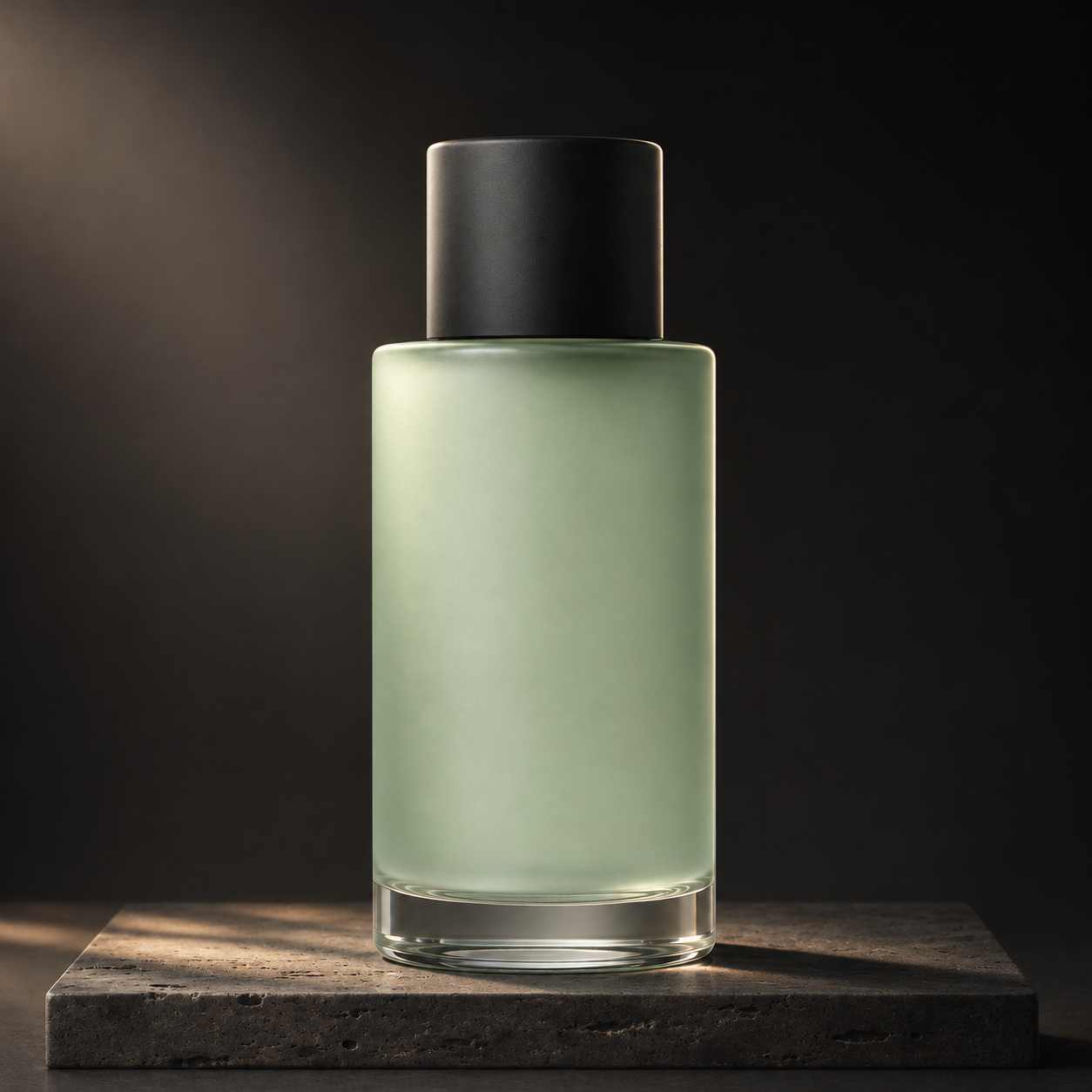
Requested: Seedance 2.5 · 720p · 5s · adaptive ratio / silent
Measured file: 960 × 960 · 5.04s · MP4
Recorded task time: 126s (one observation, not a timing guarantee)
Spot checks at the beginning, middle and end show the bottle, cap and clear base fully visible with stable framing and subtle lighting changes. This suits restrained product presentation rather than complex motion. Pixel-level consistency was not measured.
Exact prompt used for this result
Turn the clip into an advertisement
Place the reviewed motion between a clear opening and a separate end card. Add only accurate claims, a readable price when applicable and a specific action. Keep text editable so corrections do not require another video generation.
Check sound rights, caption timing and the final crop in the destination channel. We have not measured clicks, conversions or sales from the bottle clip; no marketing-performance claim follows from this case.
A starting prompt to adapt
Editorial suggestion, not a verified generated result.
Review the result before another attempt
Watch for invented ingredients, claims, marks, accessories or label text. Compare beginning, middle and end against the approved still; the clip should not imply features the product does not have.
Common questions
Can I use the free generator for a product-video draft?
Yes, for a limited silent SD preview. It is a separate H3 workflow from the recorded Seedance case. Check the real output before deciding whether it is suitable for delivery.
Does this guide include a completed fifteen-second ad?
No. It includes one recorded approximately five-second motion clip. The advertising assembly is an editorial workflow proposal, not a finished campaign or a measured business result.