Create across images and video
Generate a still, edit the details and use a reviewed image as the starting point for a short video. Each stage has its own settings and submission.
Explore the image-to-video workflow ↗YOUR NEXT IDEA STARTS HERE
Mind Forge AI brings image generation, creative editing and AI video creation into one browser-based workspace. Start with an idea, refine the image and explore what happens when it moves.
Free H3 previews need no sign-up or credit purchase. Daily limits apply. Other models use credits.
MindForgeAI, also displayed as Mind Forge AI, is the browser-based image and video creation platform at mindforgeai.app. This page describes that domain’s product; similar names on other domains do not identify this service.
It is for beginners exploring a shot idea, creators animating images they may use, and individuals or small teams preparing image and video drafts. Each stage needs human review; image and video tasks are submitted separately.
The free H3 entry accepts text or one reference image and offers approximately 5, 10 or 15-second silent SD previews without sign-in or a credit purchase. MiniMax H3 and PinkCherry H3 share three submissions per network per UTC day, fifty sitewide and one admitted task at a time. Other creation tools use separate account requirements, settings and credit quotes.
A separate free H3 Image still-image tool offers text-to-image and single-reference editing at about four megapixels in PNG. Its image allowance is three per network per UTC day and fifty sitewide, separate from video, with one admitted shared GPU task at a time. Open the H3 Image tool →
The free preview does not automatically add narration, captions, full-script editing or social publishing. It does not guarantee identity, packaging or lettering fidelity. Multiple creative steps on one website do not imply an automatically finished, publish-ready film.
Product facts and model scope · Recorded H3 outputs and limitations · Paid-tool pricing and credits
First-party product information reviewed:
Generate a still, edit the details and use a reviewed image as the starting point for a short video. Each stage has its own settings and submission.
Explore the image-to-video workflow ↗Explore a short H3 motion draft without an account. Choose approximately 5, 10 or 15 seconds of silent SD video within the shared daily allowance.
Start a free preview ↗Explore Nano Banana, GPT Image and Seedream options in the image workspace. Compare the exact variant, supported inputs and quote for your task.
Explore model choices ↗Paid tasks show a credit quote before submission. Review the model, output settings and count so you can plan your next attempt with a clear budget.
Understand credits and task costs ↗Use practical guides, suggested prompts and camera-motion examples to get started. Follow a workflow and learn what to check in the result.
Browse the prompt and motion library ↗Explore recorded cases with the source, exact prompt and output. Review the settings and limitations as you adapt the workflow to your own project.
See a recorded product-video case ↗Write a scene or bring an image you have permission to use.
Open workspace →Change a background, edit a detail or prepare a clearer composition.
Open workspace →Take the reviewed image into a video workflow and describe one clear movement.
Open workspace →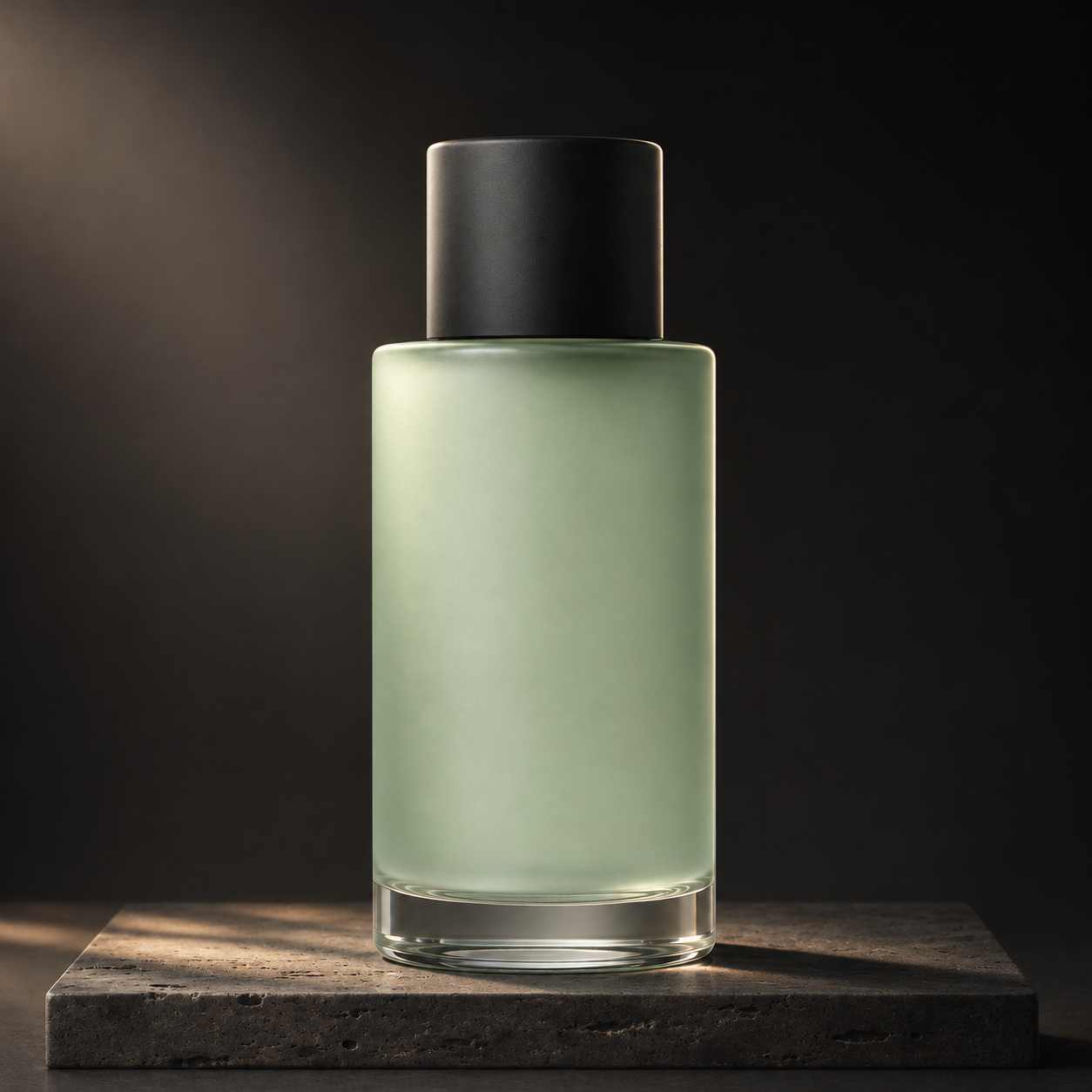
Explore our recorded bottle case: an original fictional image created in ChatGPT, followed by a separate Seedance 2.5 video. The guide includes the exact prompt, measured file details and the framing change made after an initial attempt.
Explore the recorded case ↗Yes. The dedicated free H3 video preview requires no account or credit purchase. It produces silent SD clips with a shared limit of three submissions per network per UTC day and fifty sitewide, one admitted task at a time. Other creation tools may require sign-in and credits.
The image workspace offers variants from Nano Banana, GPT Image and Seedream families. Availability, reference inputs, sizes and credit costs vary. Check the current selector and quote before submitting.
You choose when to move to the video stage. Review and save the image, select the supported video workflow, then submit a separate task. Paid image and video tasks have separate quotes.
Recorded cases document a particular source, prompt and result. They help explain a workflow and its limitations. We have not completed a controlled same-prompt benchmark that establishes an overall model-quality winner.
Start with a free video draft, or choose an image model and review its credit quote. Your next step is yours to choose.