 Mind Forge AI
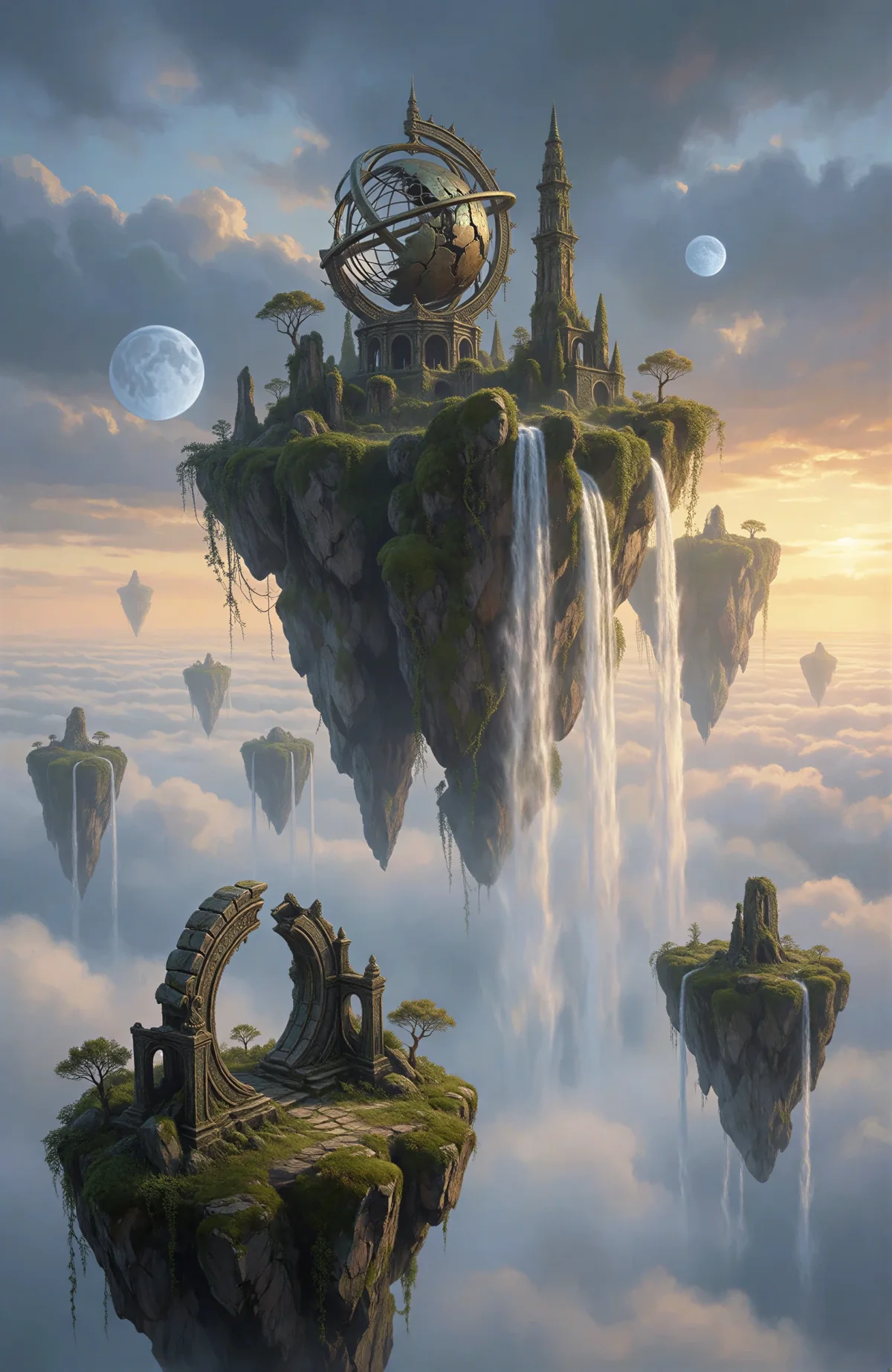
MIND FORGE AI · CREATIVE GUIDE
AI Image Generator from Text & Images
Create images from text or a reference image. Describe the subject, composition and lighting, then choose an available model.
Open workspaceGuides are free to browse. Generation uses credits; review the cost before submitting.
How to use it
- Describe the subject, setting, lighting and intended aspect ratio.
- Choose a model; add a reference image if you need visual guidance.
- Check the displayed credit cost, generate, then inspect text and small details.
Practical example
A matte ceramic coffee cup on a pale stone table, soft window light from the left, warm neutral palette, square composition, no text.
This is a suggested workflow or prompt, not a measured result from a site test.
Uses and limitations
Try a product scene, a character concept or a social post. Review faces, lettering and small details before publishing.
Frequently asked questions
How can I make a prompt more precise?
Name the subject first, then add composition, lighting and constraints. Change one instruction at a time so you can tell which change helped. A reference image can guide appearance but does not guarantee an exact match.
Is this tool free?
Browsing models, templates and inspiration is free. Image and video generation require an account and paid credits. Check the cost shown for your selected task before submitting.
What should I know before using it?
Try a product scene, a character concept or a social post. Review faces, lettering and small details before publishing.
Ready for the next step?
Open the workspace, prepare your inputs and review the settings.
Explore related tools
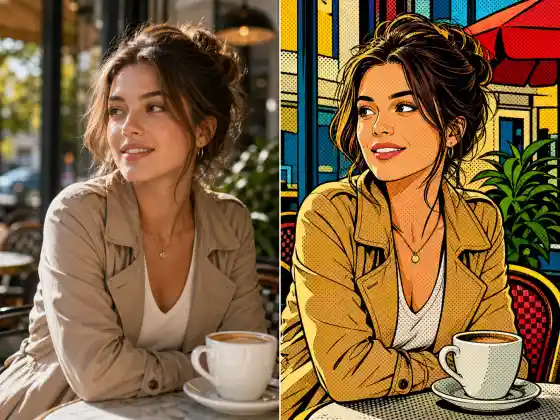
Browse all tools and guides
Explore tools and practical guides
Browsing models, templates and inspiration is free. Image and video generation require an account and paid credits. Check the cost shown for your selected task before submitting.