 AI Object Remover for Photos
Edit images with text. Replace backgrounds, remove objects, or change text in your photos.
Try these examples
Edit region
Upload an image to start editing.
Edit list · 0/5
Up to 5 separate regions in one task. Overlapping regions must be combined.
More image tools
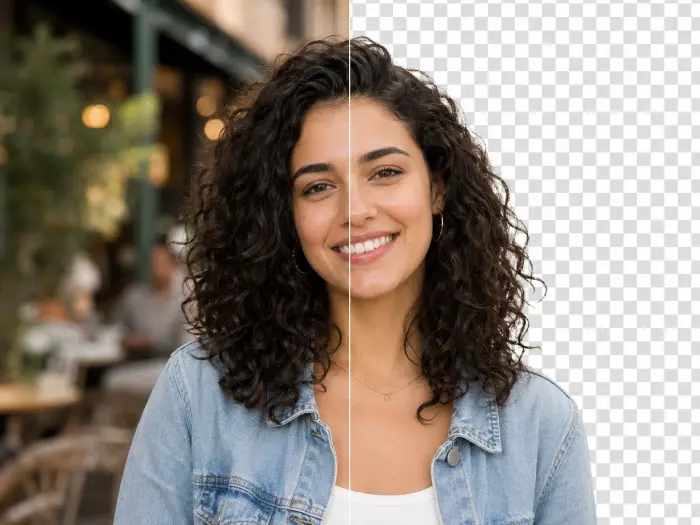 Remove Background
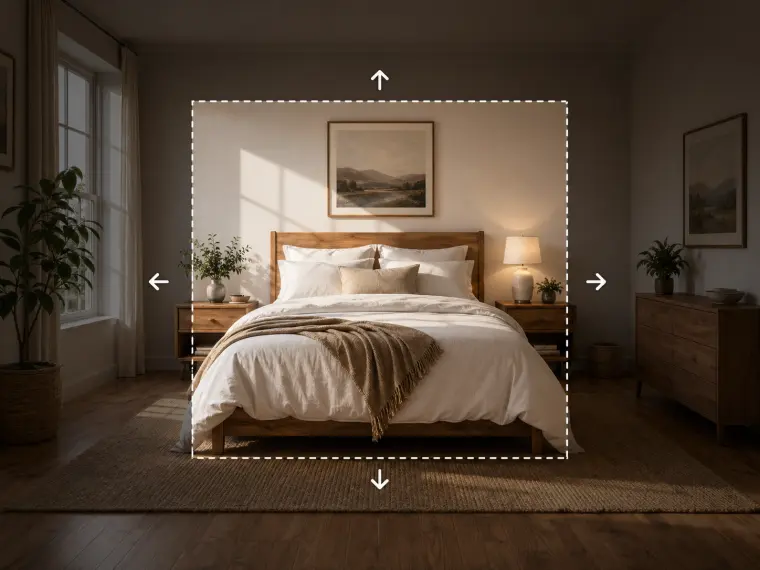 Image Expand
 Image Upscaler
 Watermark Removal
 Transform Style
AI Photo Editing: Before and After

 BeforeAfter
Illustrative style references, not verified outputs from this site.
How to use it
- Upload a photo and paint over the unwanted object, including its unwanted shadow.
- Review the available model settings and the displayed credit cost before submitting.
- Inspect the completed result against your reference, especially: The tool estimates the hidden background. Repeating patterns and occluded objects may require another edit.
Editing example and limitations
Remove the bin beside the bench and continue the paving stones with matching perspective.
The tool estimates the hidden background. Repeating patterns and occluded objects may require another edit.
Frequently asked questions
Can it remove an object without changing the entire image?
The masked workflow targets a selected region. Keep the mask focused and compare the surrounding area with the original after processing.
How does billing work?
Edits use credits. Review the displayed cost, which depends on quality and resolution, before submitting.
What does the mask control?
Local editing, object removal and text editing require a painted mask. The existing processor preserves unmasked pixels; inspect boundaries and generated details.