 Mind Forge AI
Photo to Sketch AI
Convert a photo into a pencil, ink, charcoal or line-art interpretation.
Choose a preset and optionally add instructions, or describe your own effect in Custom mode.
Reference images (optional)

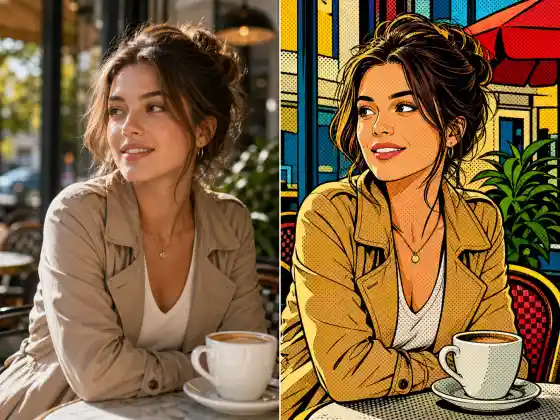
Style illustration, not a verified output from this site. Upload your photo, then choose a preset or describe your own effect.
More image tools
How to use it
- Upload a clear source and choose the drawing medium and level of shading.
- Review the available model settings and the displayed credit cost before submitting.
- Inspect the completed result against your reference, especially: Fine details can be simplified. The output is a raster image rather than editable vector paths.
Usage example
Render this building as an ink sketch with clean perspective lines and light cross-hatching.
Limitations
Fine details can be simplified. The output is a raster image rather than editable vector paths.
Frequently asked questions
Is line art suitable for vector editing?
The generated image may be used as a visual reference, but it is not automatically an SVG or a set of editable paths. Trace and inspect it separately if vectors are needed.
How are tasks billed?
Review the displayed credit cost before submitting. Batch processing creates and charges separate tasks. Quality and output size affect the cost.