 Mind Forge AI
AI Photo Restoration
Explore restoration of scratches and faded areas in a scanned or photographed old image.
Choose a preset and optionally add instructions, or describe your own effect in Custom mode.
Reference images (optional)
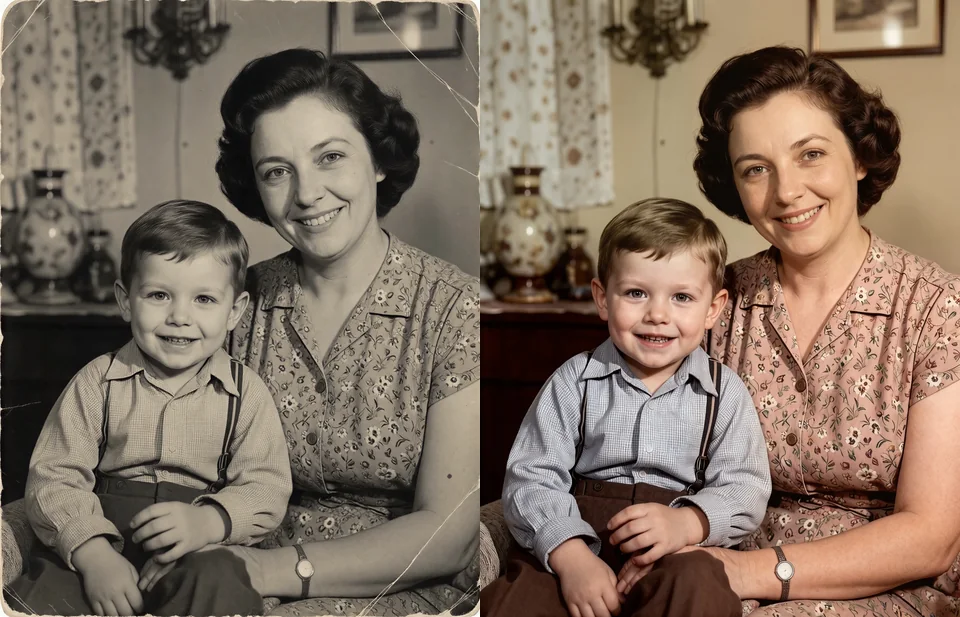
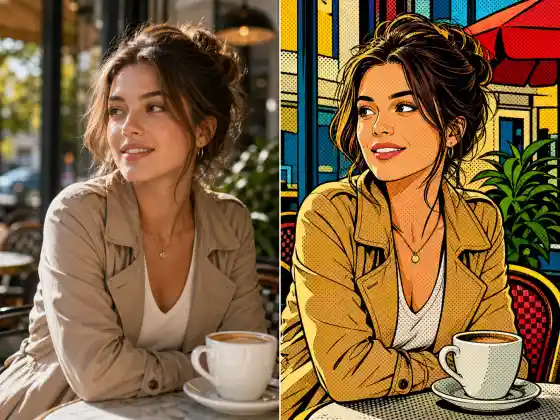
Style illustration, not a verified output from this site. Upload your photo, then choose a preset or describe your own effect.
More image tools

How to use it
- Upload the clearest available source and choose monochrome preservation or colorization.
- Review the available model settings and the displayed credit cost before submitting.
- Inspect the completed result against your reference, especially: Reconstructed details and added colors are estimates, not evidence of the original appearance. Keep an untouched copy.
Usage example
Reduce scratches and fading while preserving facial proportions and the original black-and-white tones.
Limitations
Reconstructed details and added colors are estimates, not evidence of the original appearance. Keep an untouched copy.
Frequently asked questions
Can AI recover the real colors of a black-and-white photo?
It can suggest plausible colors, but a monochrome image does not contain enough information to prove the original colors. Label colorized versions clearly.
How are tasks billed?
Review the displayed credit cost before submitting. Batch processing creates and charges separate tasks. Quality and output size affect the cost.