 Mind Forge AI
Background Remover for Product Photos and Portraits
Separate a subject from its background for product images, portraits and new compositions.
Remove background
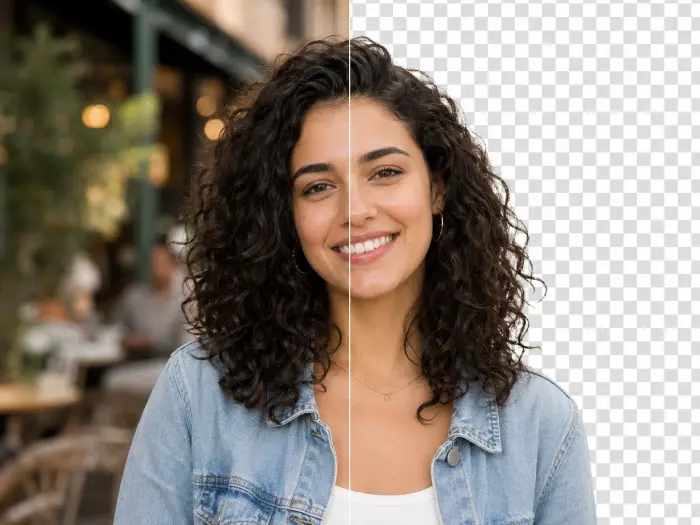
Illustrative example · upload your own media to begin
More image tools
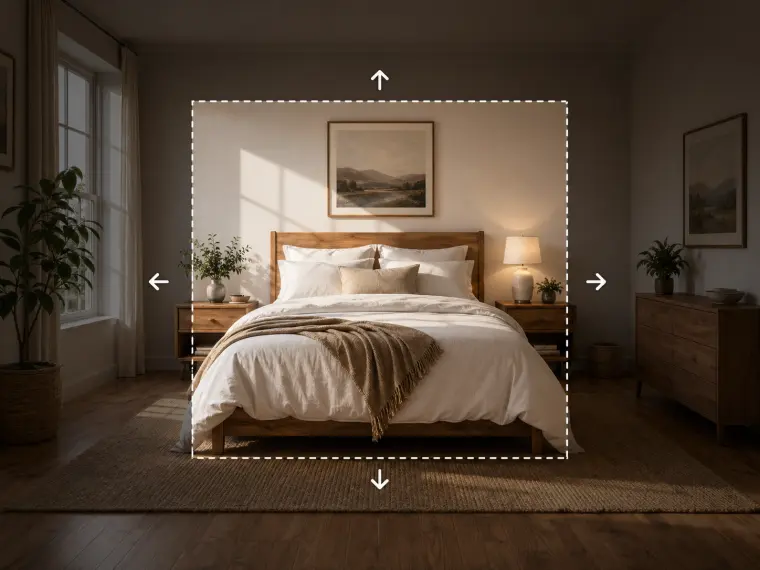



How to remove the background from a product photo
Use a photo with clear separation between the product and backdrop. Inspect handles, glass and fine edges after processing.
- Upload a clear image with an identifiable foreground subject.
- Use the background removal tool and review the credit cost.
- Inspect fine edges and transparency before placing the result on a new background.
Usage example
For a product cutout, use an evenly lit product photograph. Inspect the handle, gaps and shadows against both light and dark backgrounds.
Limitations
Use a clear source image and inspect hair, glass and fine edges. Complex or transparent subjects can require another edit.
Frequently asked questions
Why do hair or glass edges need extra review?
Fine hair, translucent glass and similar foreground/background colors are difficult to separate. Start with a sharper source and inspect edges at full size; a second edit may be needed.
How are tasks billed?
Review the displayed credit cost before submitting. Batch processing creates and charges separate tasks. Quality and output size affect the cost.