 Mind Forge AI
AI Image Extender for Expanding Photo Backgrounds
Expand the canvas around an existing image and generate a continuation of the scene.
Expand image
PNG / JPG / WebP, up to 20 MB
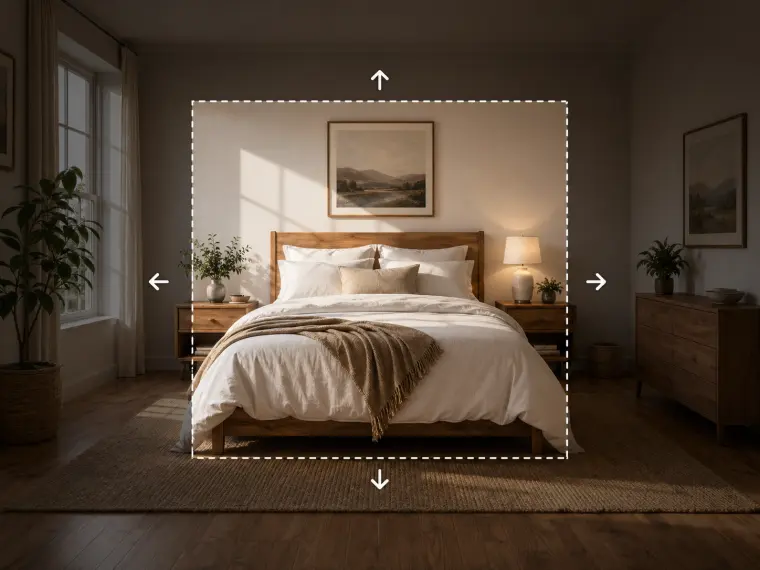
Illustrative example · upload your own media to begin
More image tools
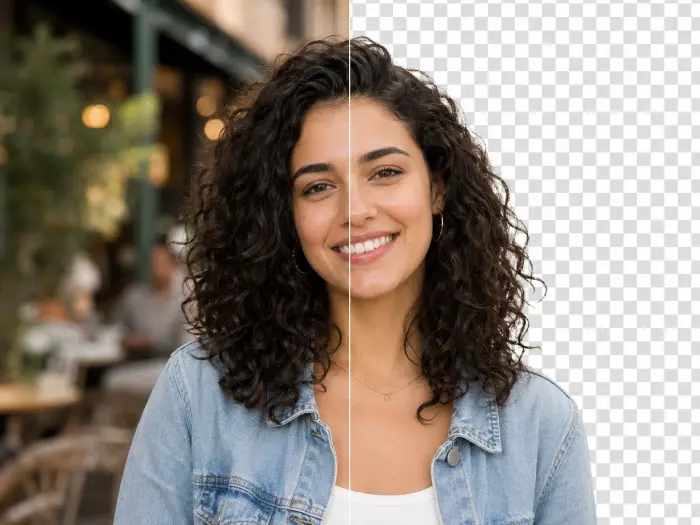
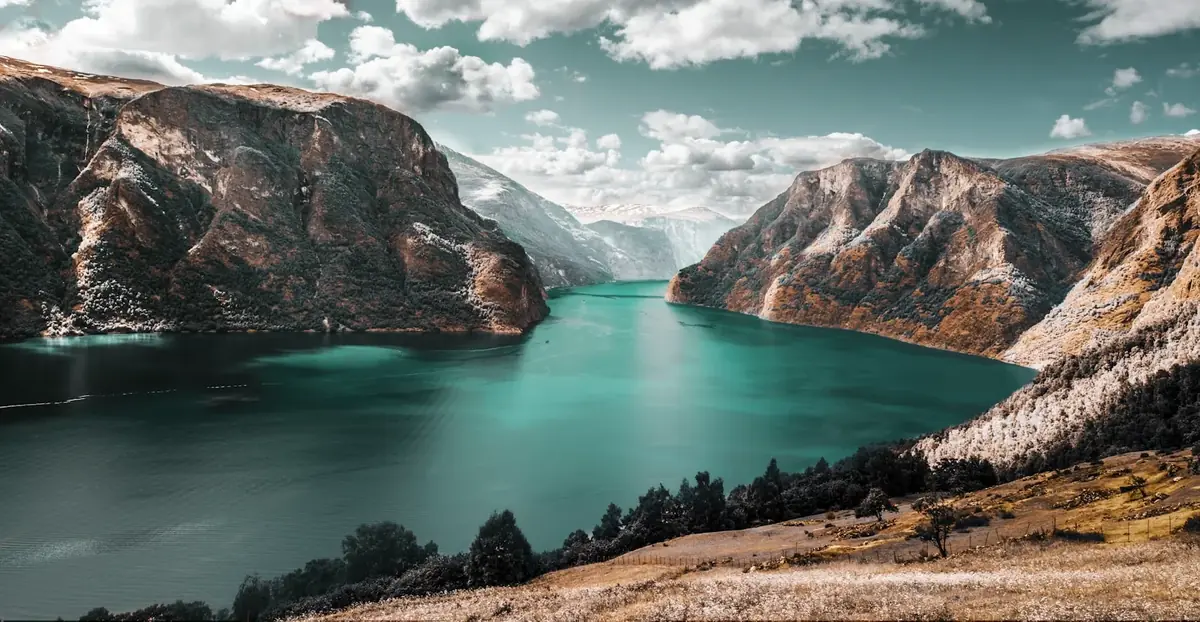
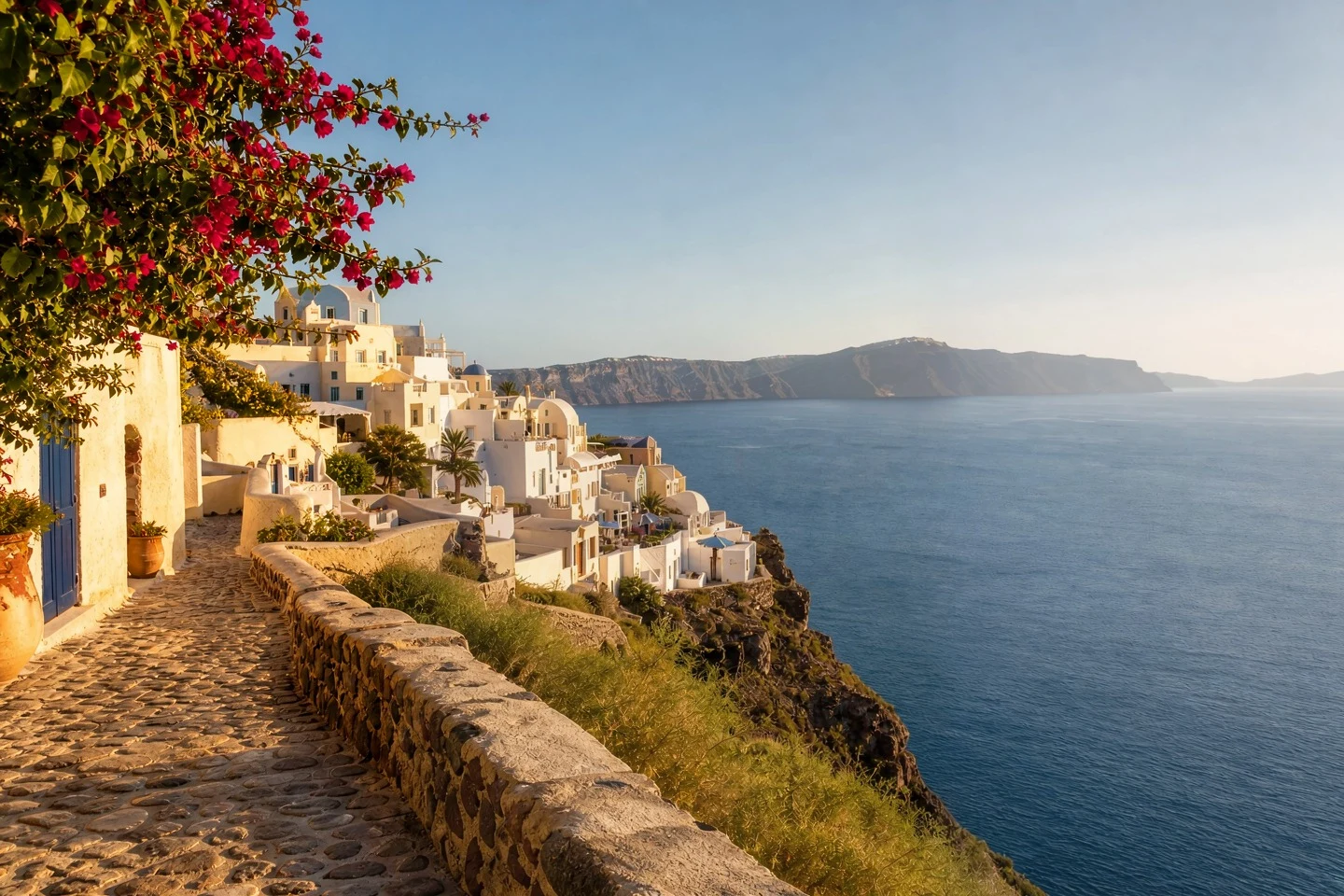

How to use it
- Upload the original image.
- Choose a wider or taller canvas and describe what should appear around it.
- Review the cost, generate, and inspect the seam, perspective and shadows.
Usage example
Extend this landscape to a wide composition. Continue the lake and mountain range with matching horizon and evening light.
Limitations
Choose a new aspect ratio and describe the surroundings. Check perspective, lighting and the join with the original image.
Frequently asked questions
Is uncropping the same as recovering the original photograph?
No. The tool generates a plausible continuation outside the visible image. It does not retrieve the scene that existed before a photograph was cropped.
How are tasks billed?
Review the displayed credit cost before submitting. Batch processing creates and charges separate tasks. Quality and output size affect the cost.