 Mind Forge AI
AI Hair Color Changer
Explore hair-color ideas on a portrait while keeping the hairstyle as a reference.
Choose a preset and optionally add instructions, or describe your own effect in Custom mode.
0/3000
Reference images (optional)
PNG / JPG / WebP, up to 20 MB
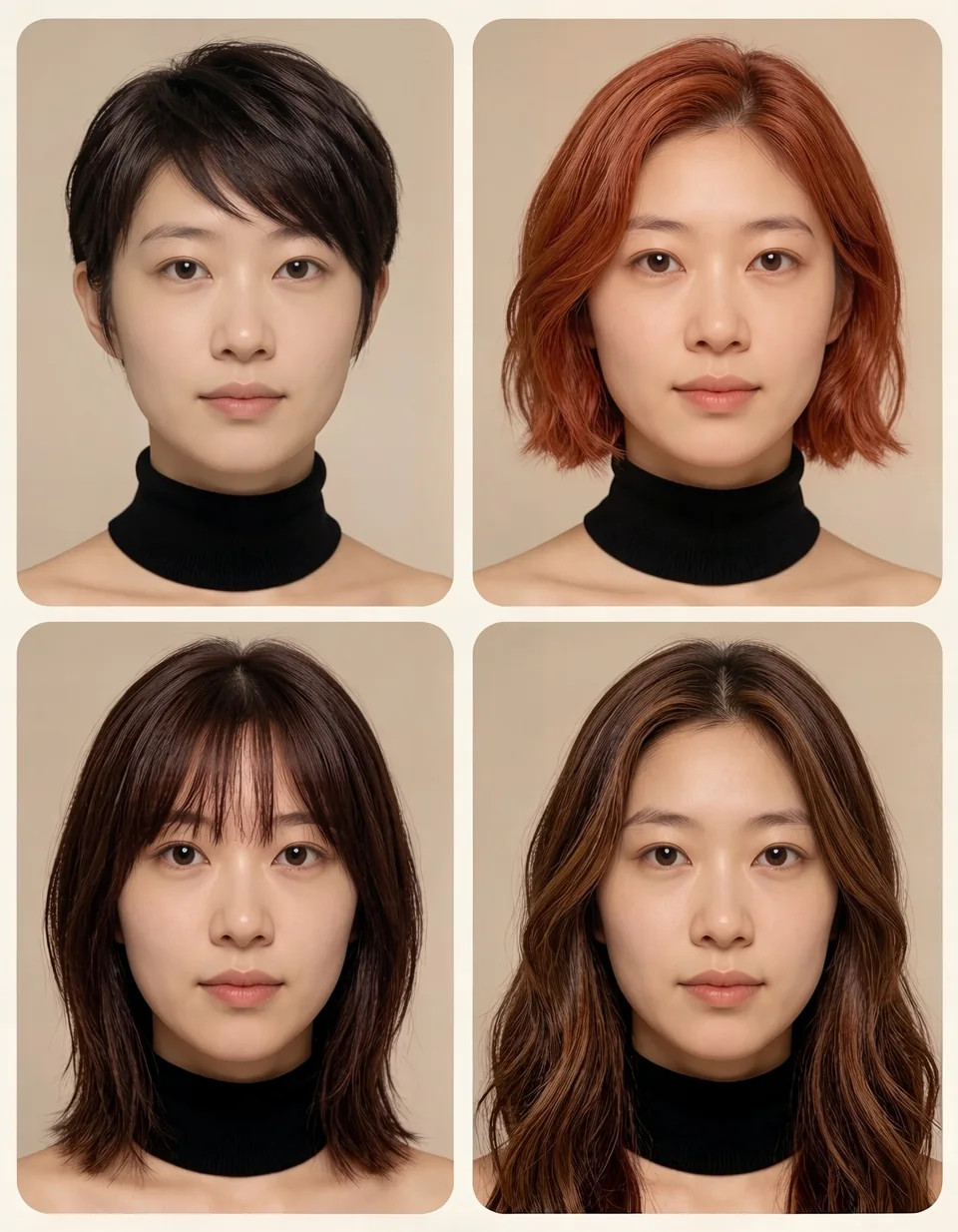
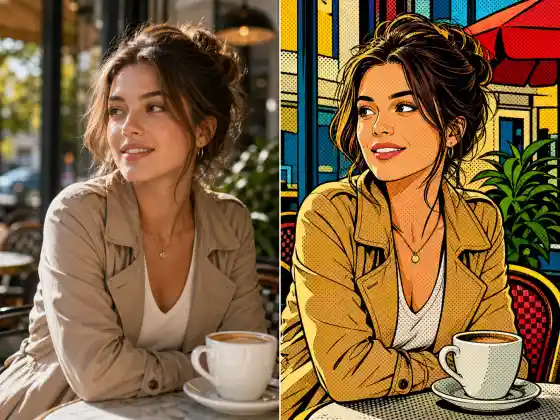
Style illustration, not a verified output from this site. Upload your photo, then choose a preset or describe your own effect.
More image tools

How to use it
- Upload a portrait and select a color such as chestnut, blonde, silver or burgundy.
- Review the available model settings and the displayed credit cost before submitting.
- Inspect the completed result against your reference, especially: Screen colors and generated lighting do not predict a dye formula or real salon result.
Usage example
Change only the hair color to chestnut brown, keeping highlights, hair texture and face unchanged.
Limitations
Screen colors and generated lighting do not predict a dye formula or real salon result.
Frequently asked questions
Is this a hair-dye color match?
No. It is a visual preview. Your starting hair color, treatment history and lighting can change the real outcome.
How are tasks billed?
Review the displayed credit cost before submitting. Batch processing creates and charges separate tasks. Quality and output size affect the cost.