 Mind Forge AI
AI Pixel Art Generator
Transform a reference image into a retro pixel-art concept with a limited palette.
Choose a preset and optionally add instructions, or describe your own effect in Custom mode.
Reference images (optional)

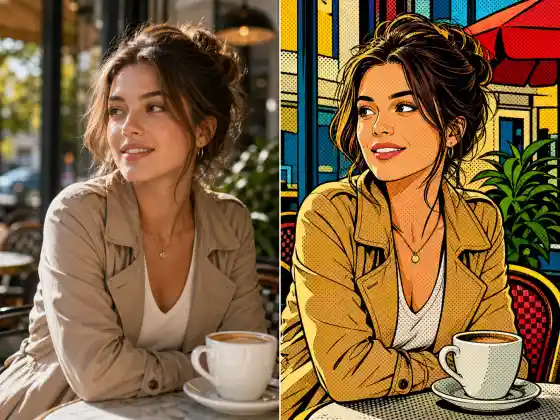
Style illustration, not a verified output from this site. Upload your photo, then choose a preset or describe your own effect.
More image tools
How to use it
- Upload an image and choose an 8-bit, 16-bit or isometric preset.
- Review the available model settings and the displayed credit cost before submitting.
- Inspect the completed result against your reference, especially: A pixel-art look does not guarantee a strict pixel grid, tile size or game-ready sprite sheet.
Usage example
Turn this cottage into a 16-bit-style scene with a limited green and brown palette and crisp edges.
Limitations
A pixel-art look does not guarantee a strict pixel grid, tile size or game-ready sprite sheet.
Frequently asked questions
Can I use the output directly as game sprites?
Treat it as concept art first. Check grid alignment, transparency, frame dimensions and animation consistency in a pixel editor before integrating it into a game.
How are tasks billed?
Review the displayed credit cost before submitting. Batch processing creates and charges separate tasks. Quality and output size affect the cost.