 Mind Forge AI
Video Upscaler
Resize video to 720p or 1080p with Lanczos scaling and sharpening.
Video enhancement
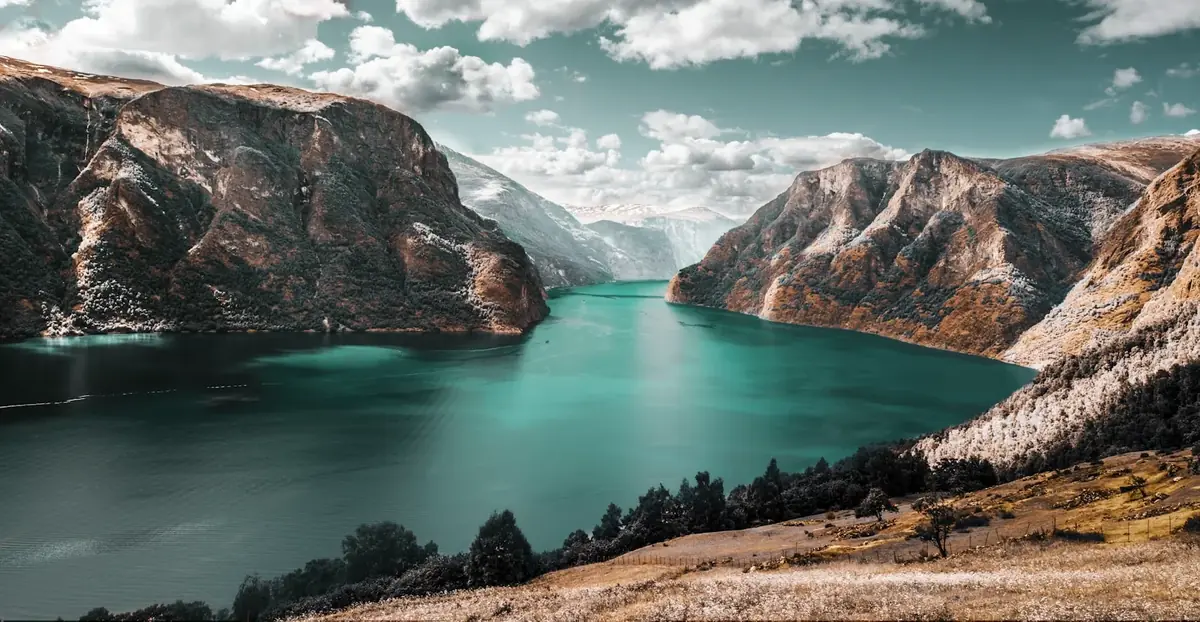
Illustrative example · upload your own media to begin
More image tools
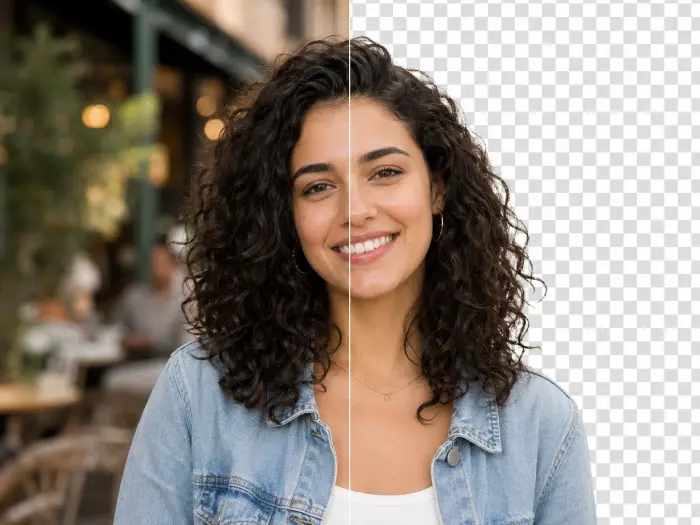
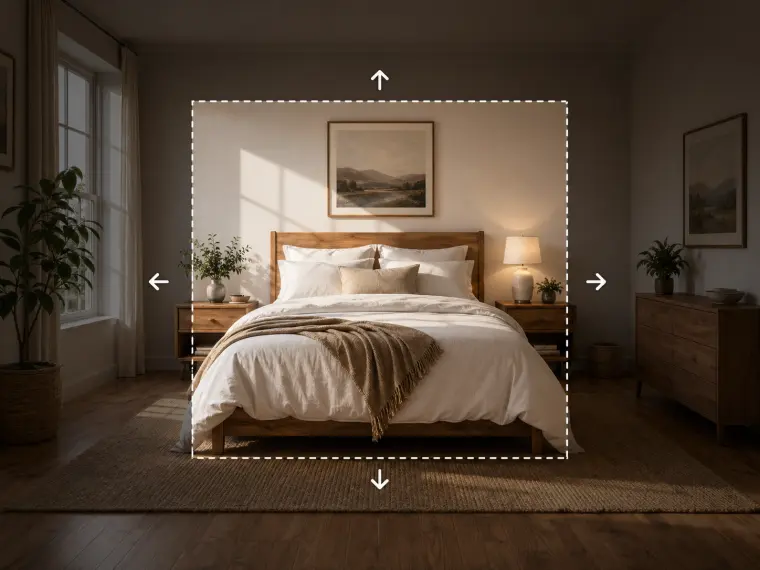


How to use it
- Upload the source video.
- Choose 720p or 1080p and check the displayed task cost.
- Process and compare the output with the source, focusing on edges, noise and motion.
Usage example
If a small clip must fit a 1080p layout, resize it and compare a paused frame at the same display size. Watch for sharpened noise and edge halos.
Limitations
This is conventional resizing, not generative detail restoration. A larger output does not guarantee new authentic detail.
Frequently asked questions
Does this video upscaler create new AI detail?
No. This tool uses Lanczos resizing and sharpening. It changes output resolution but does not generate new scene detail with a video model.
How are tasks billed?
Video generation costs depend on model, resolution and duration. Editing and extension also include source duration. Review the estimate before submitting; the server validates the final cost. Video scaling uses local algorithms and currently costs no credits.