AI Clothes Changer for Outfit Previews
Change clothes in your photo with a preset outfit, a clothing reference image, or your own description.
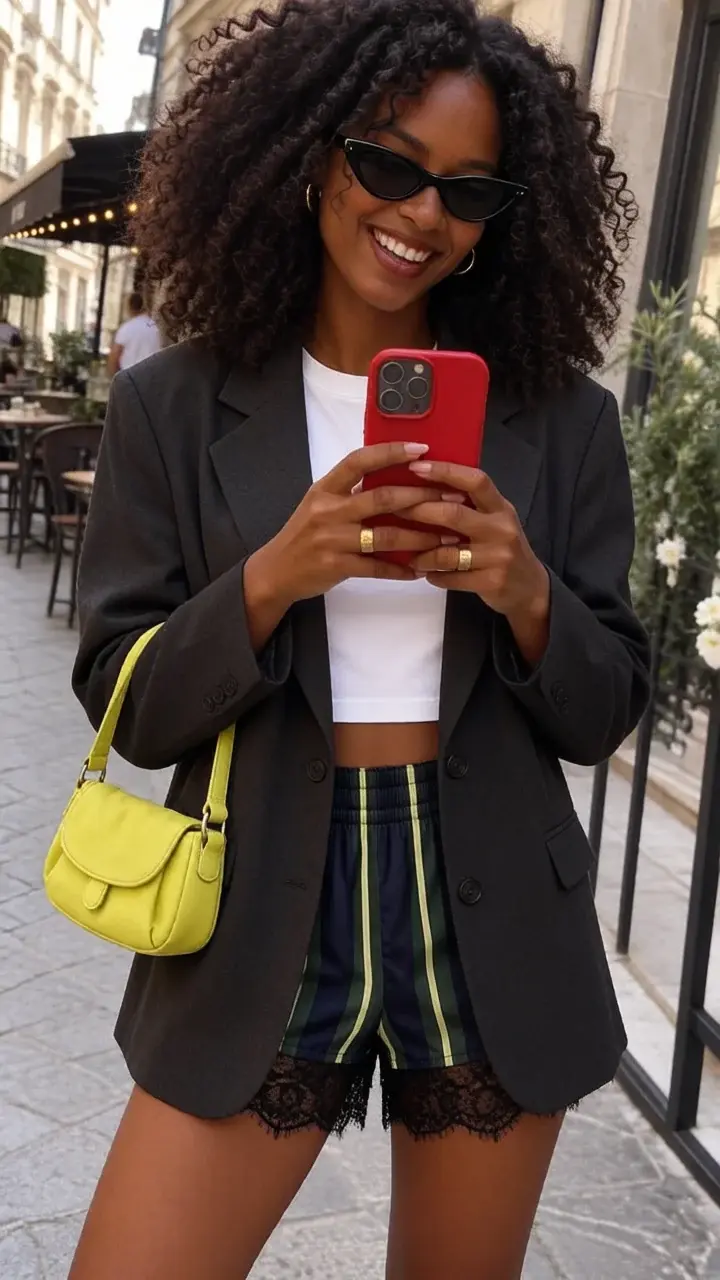
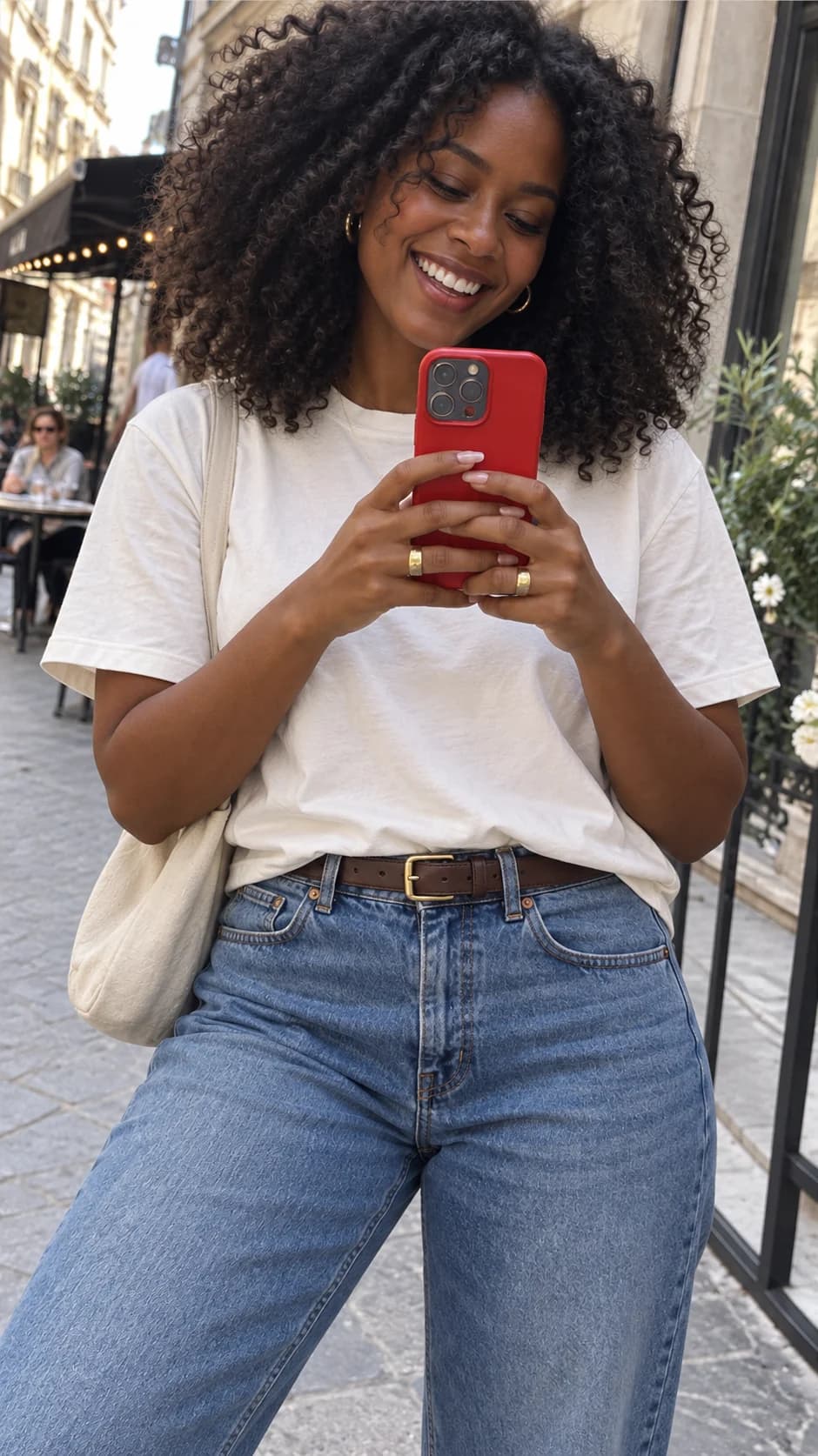
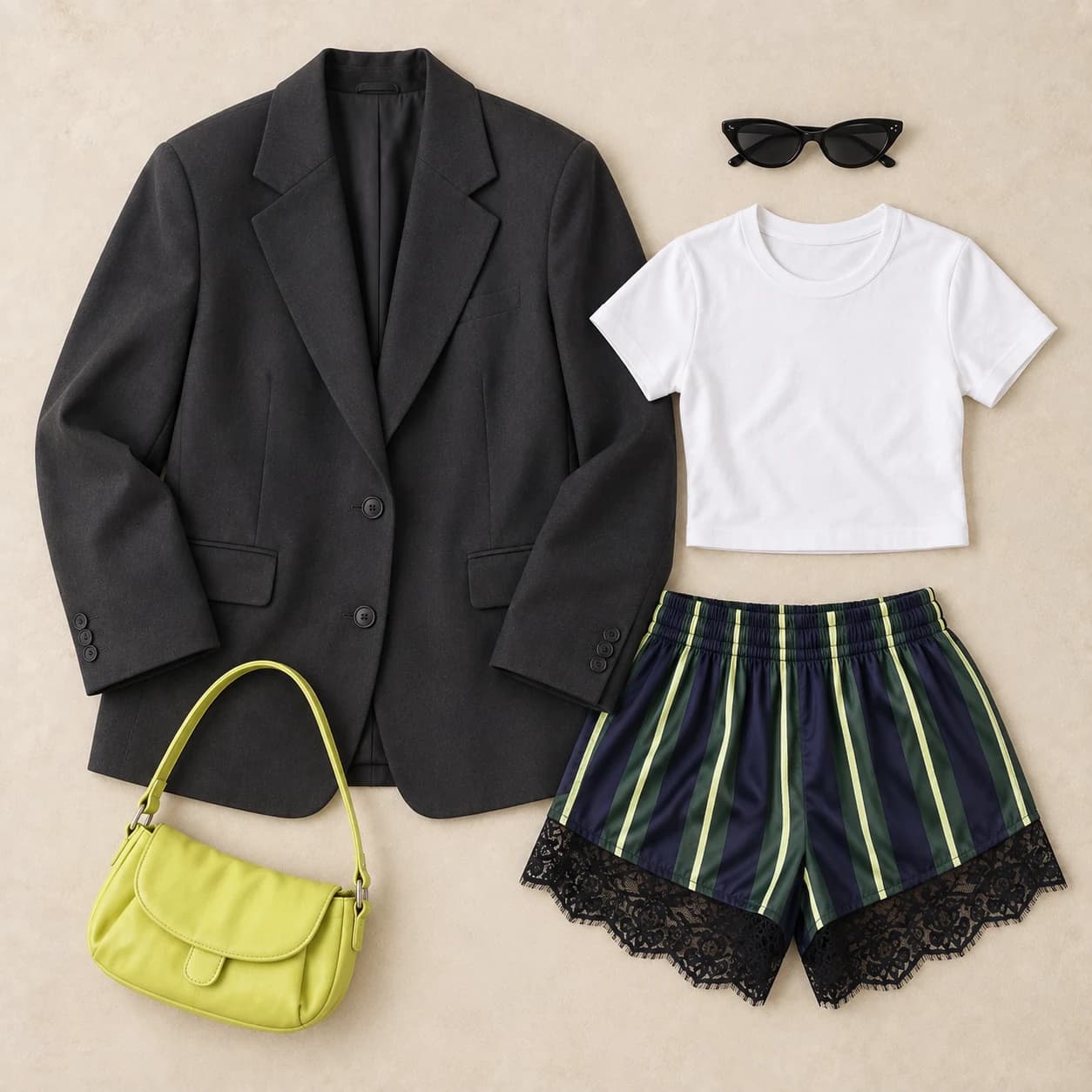
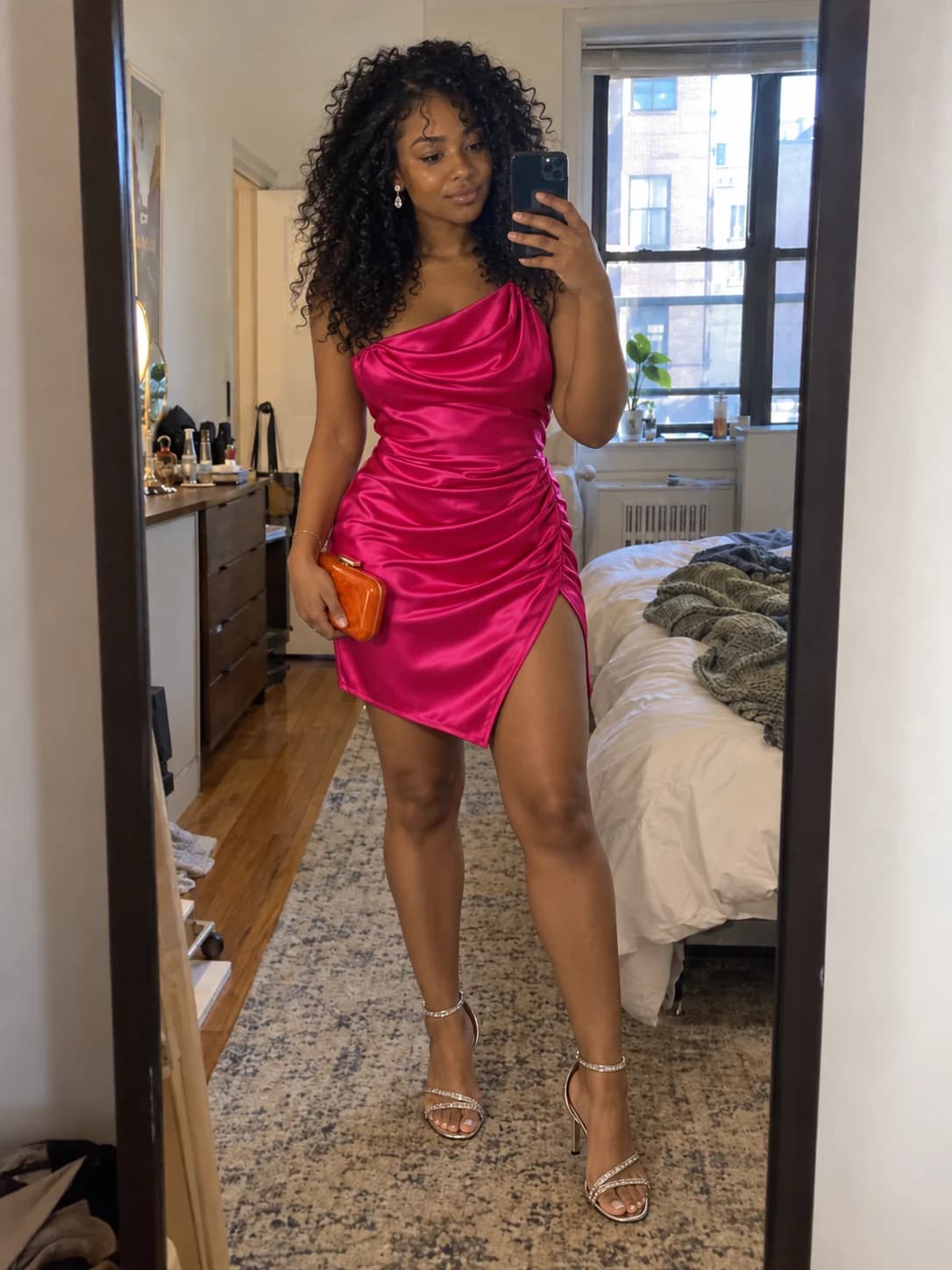
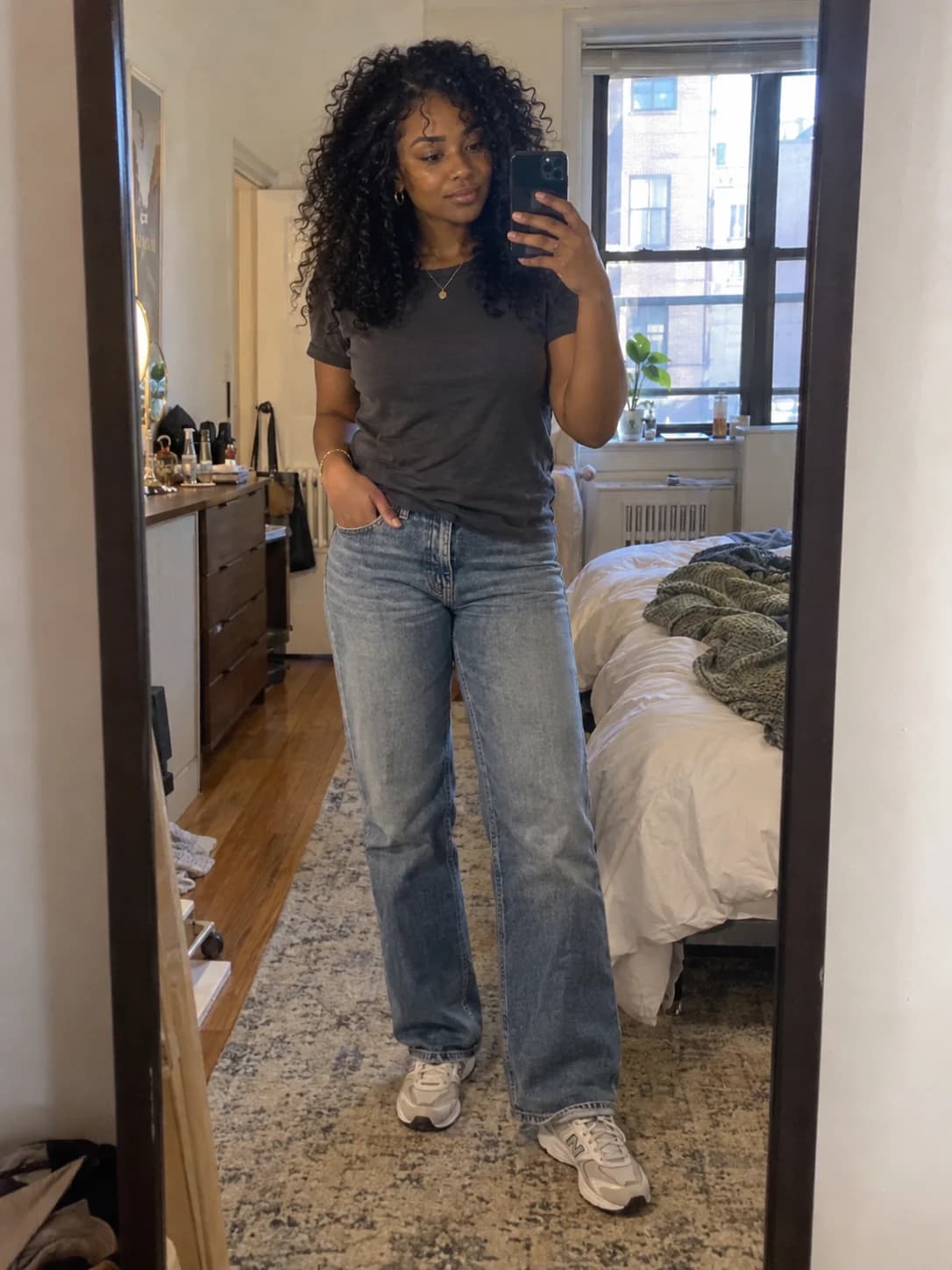
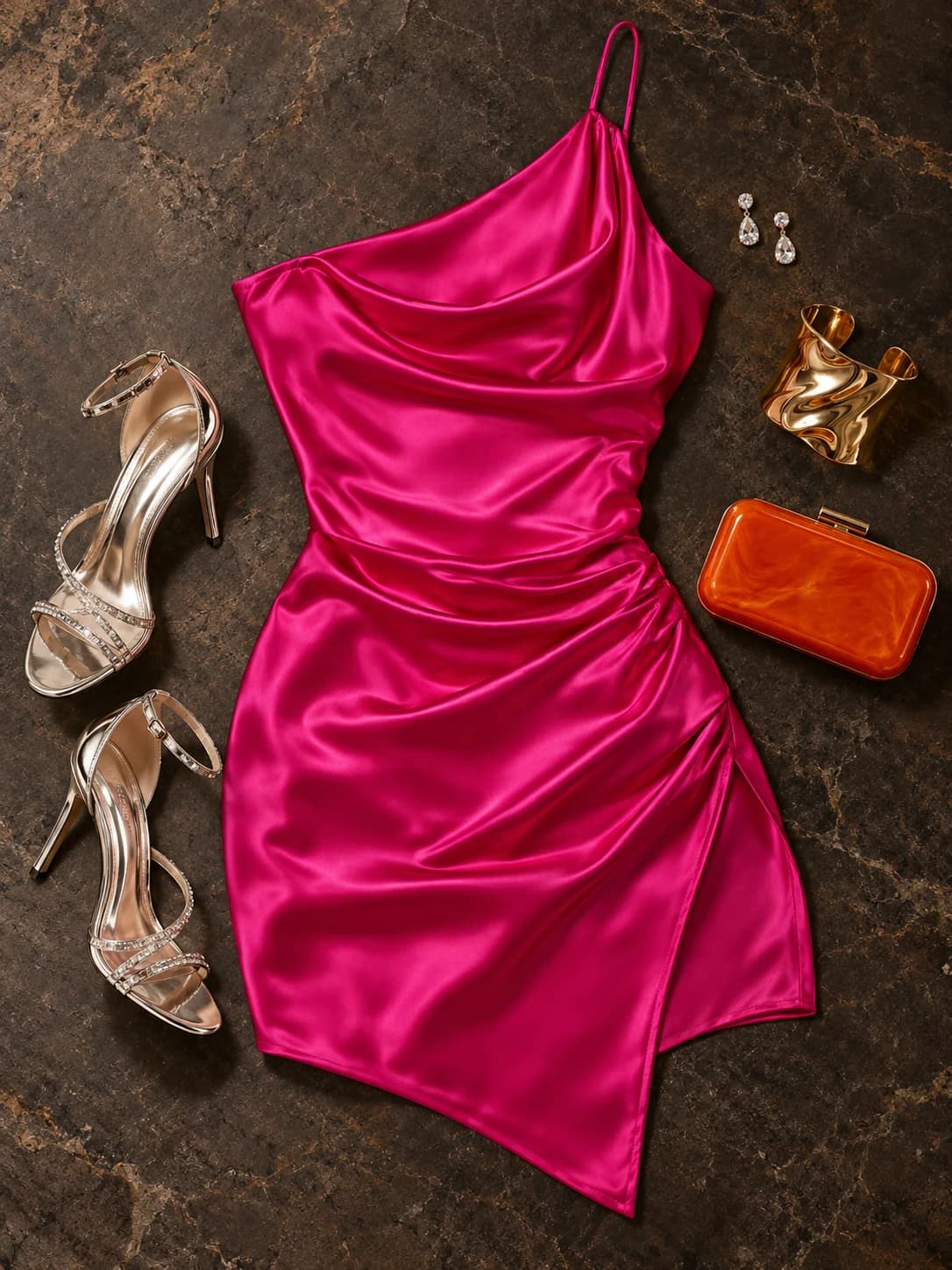
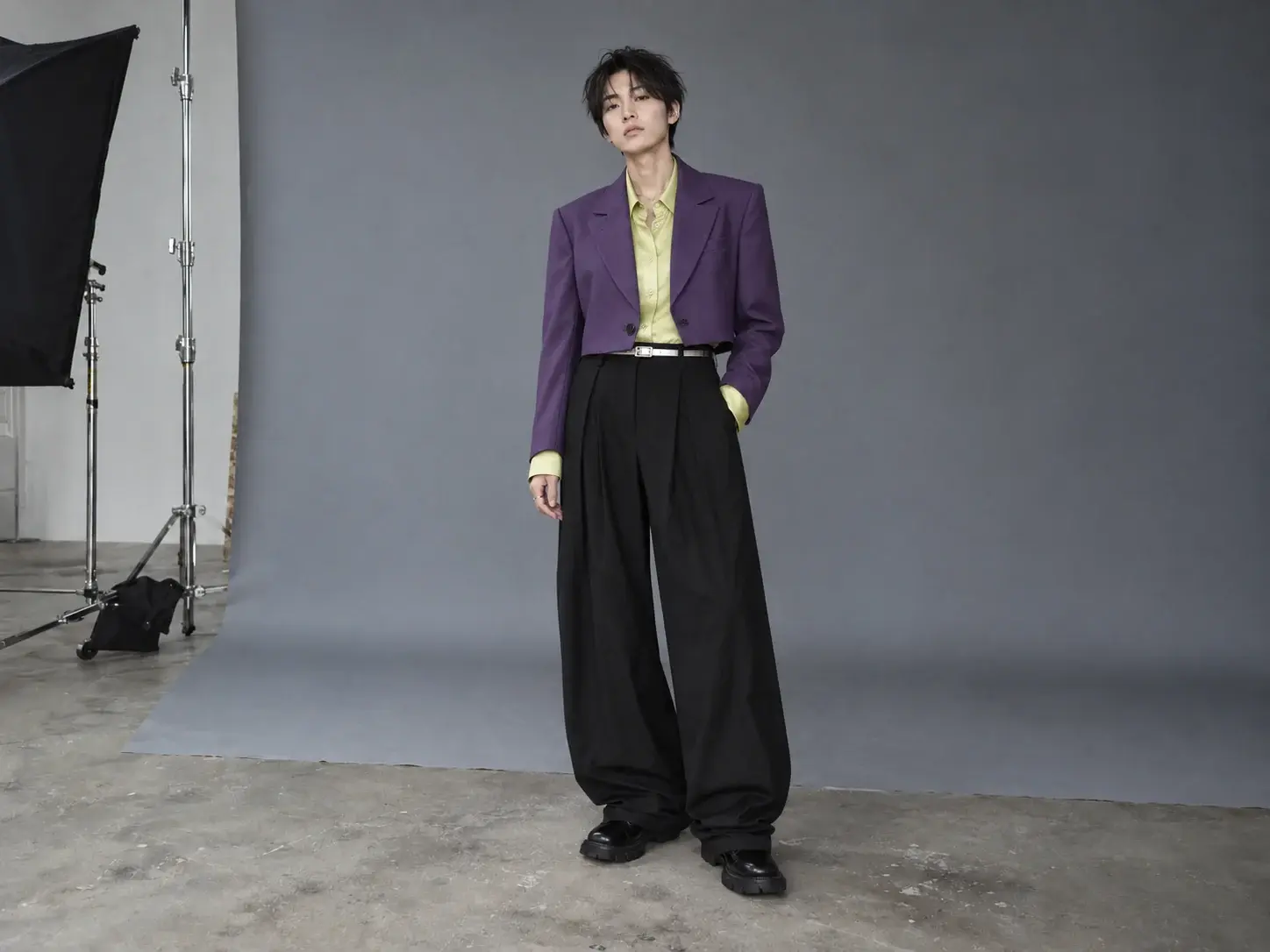
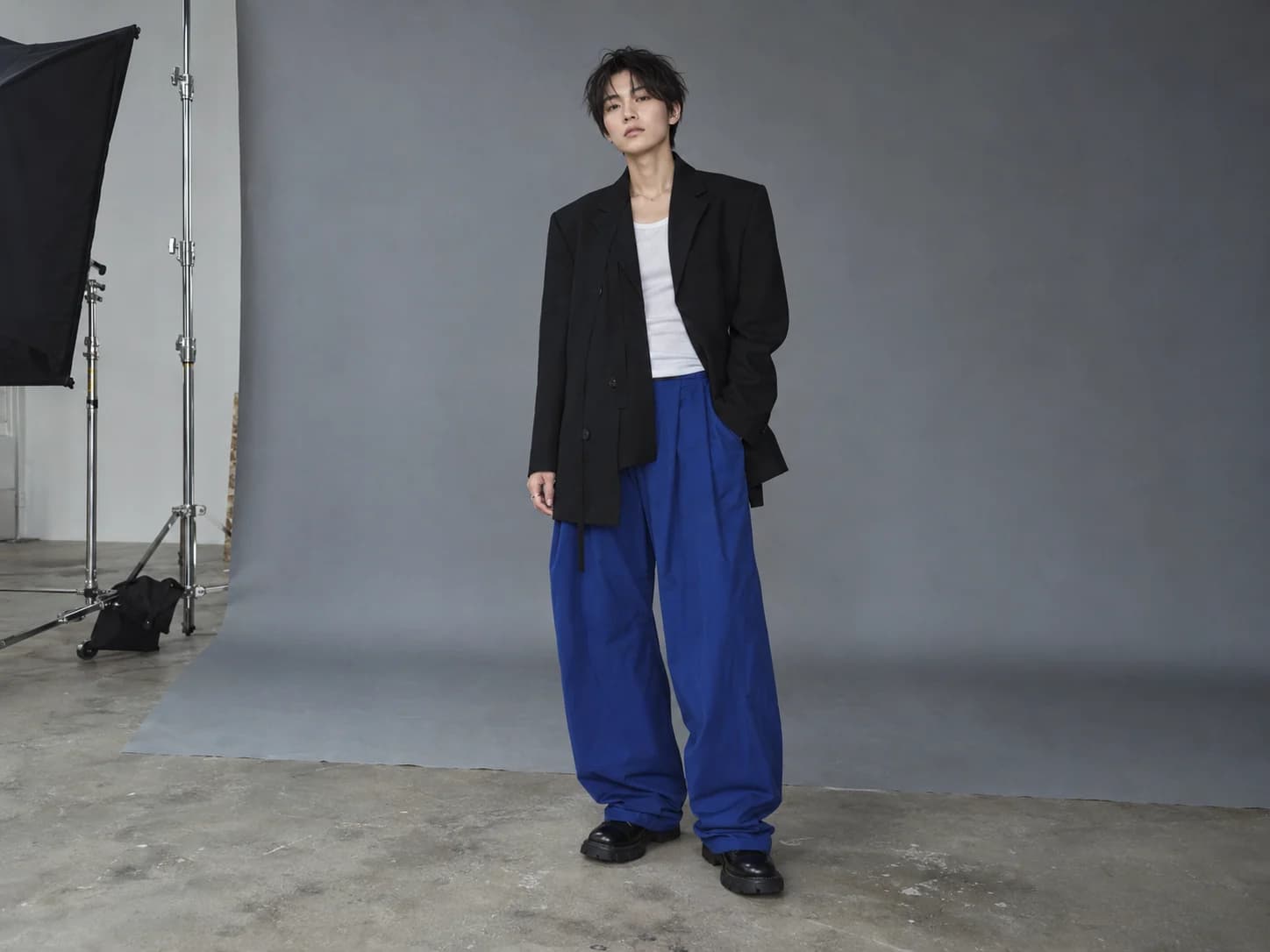
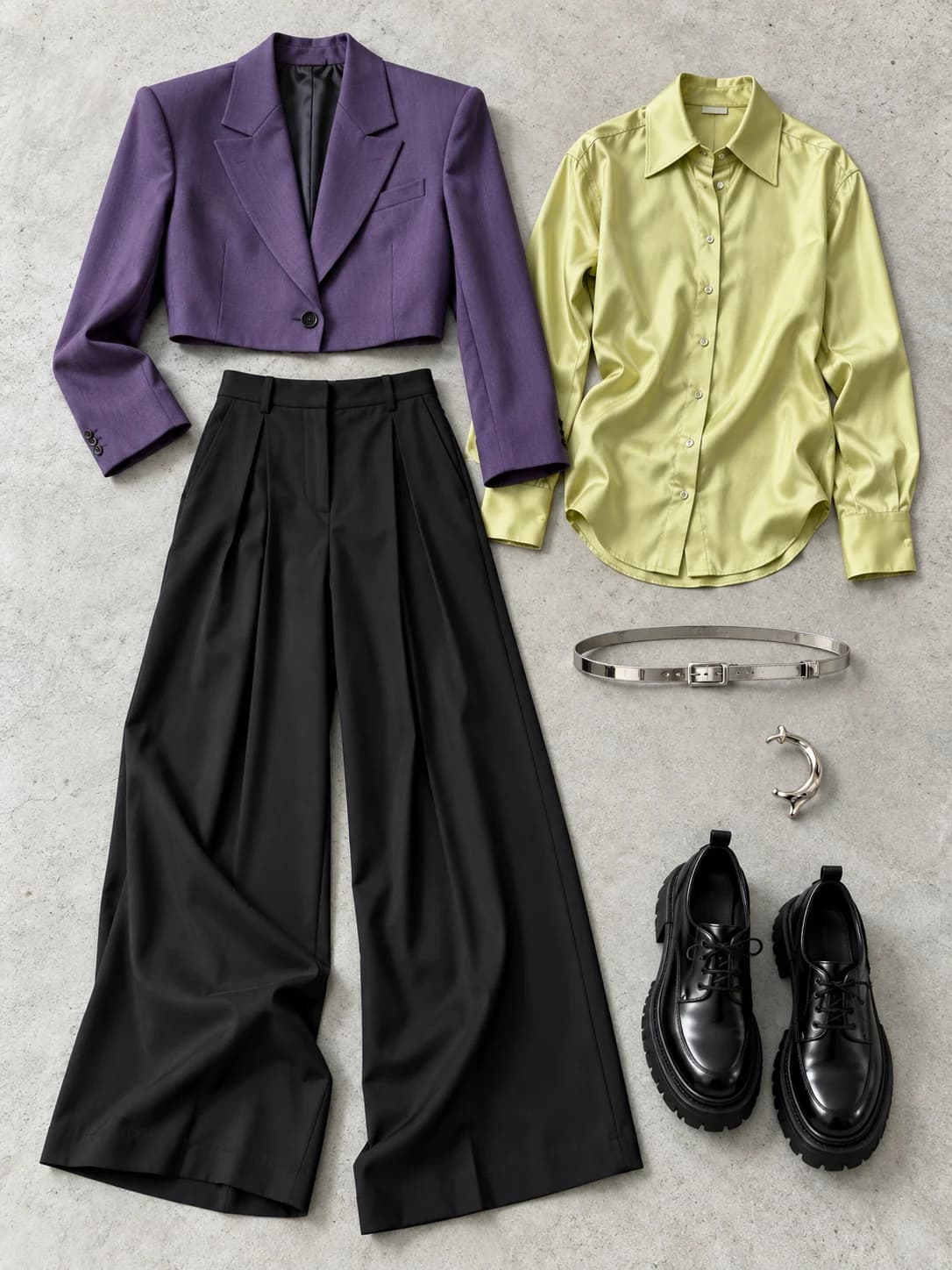
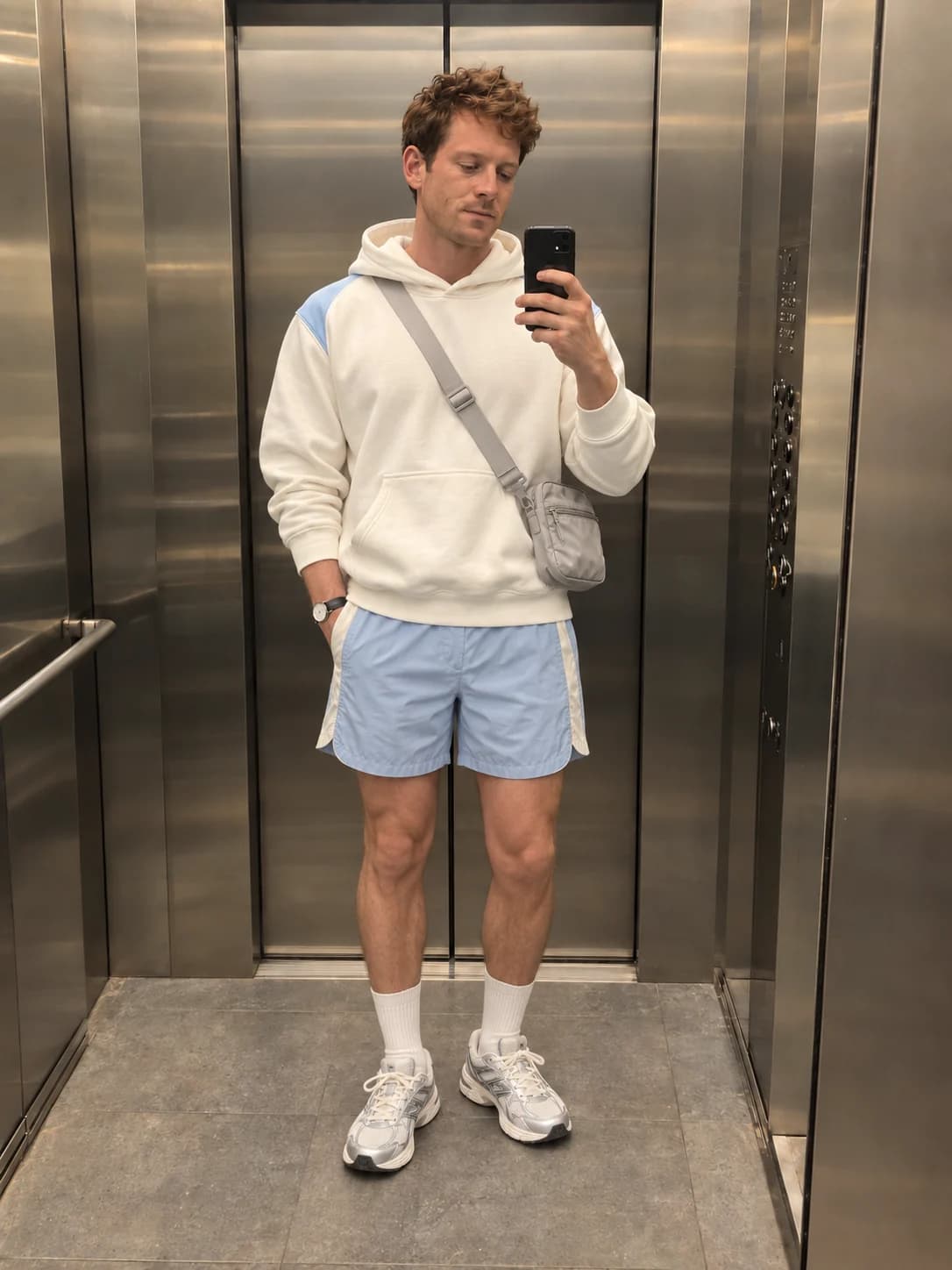
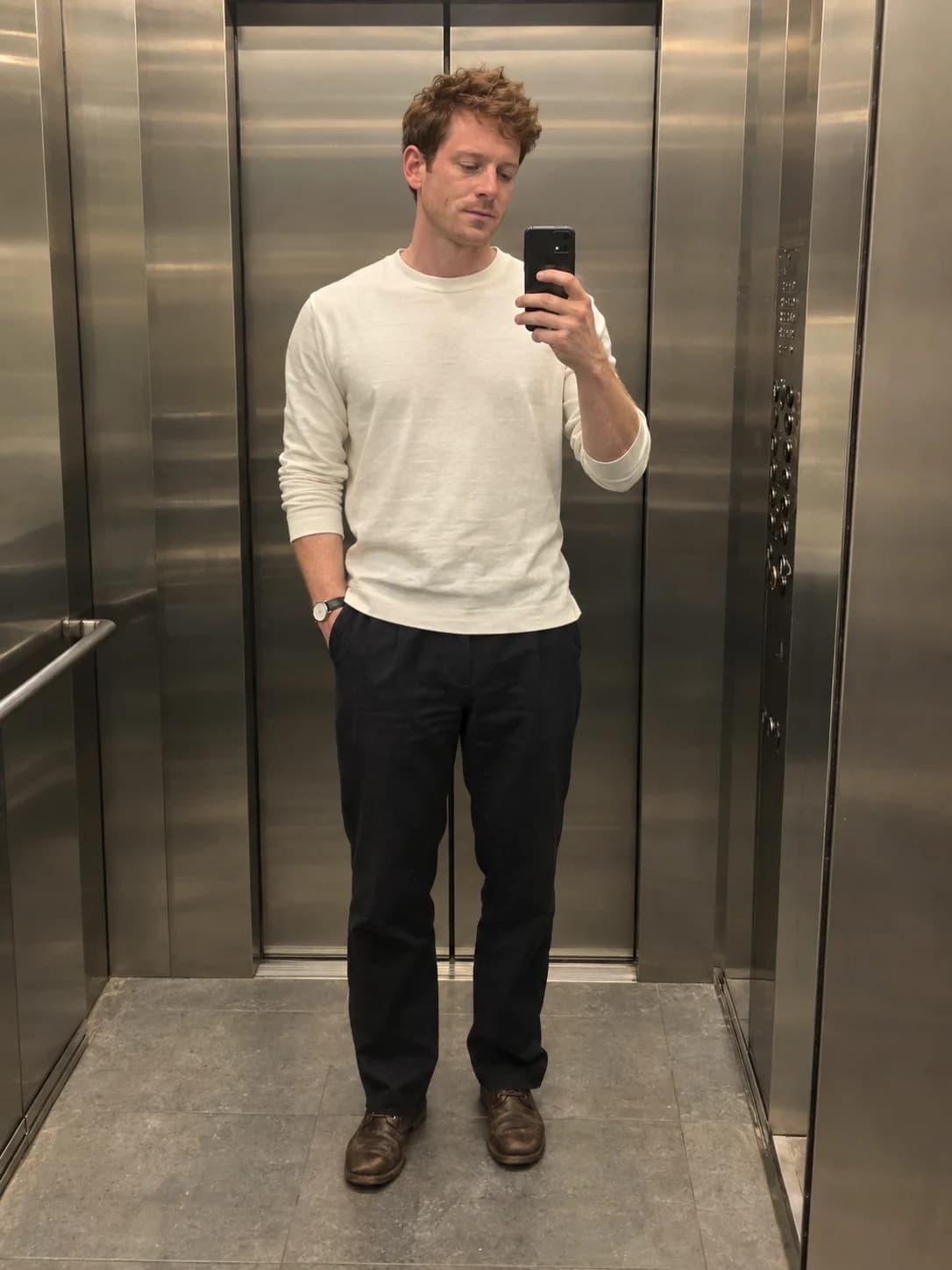
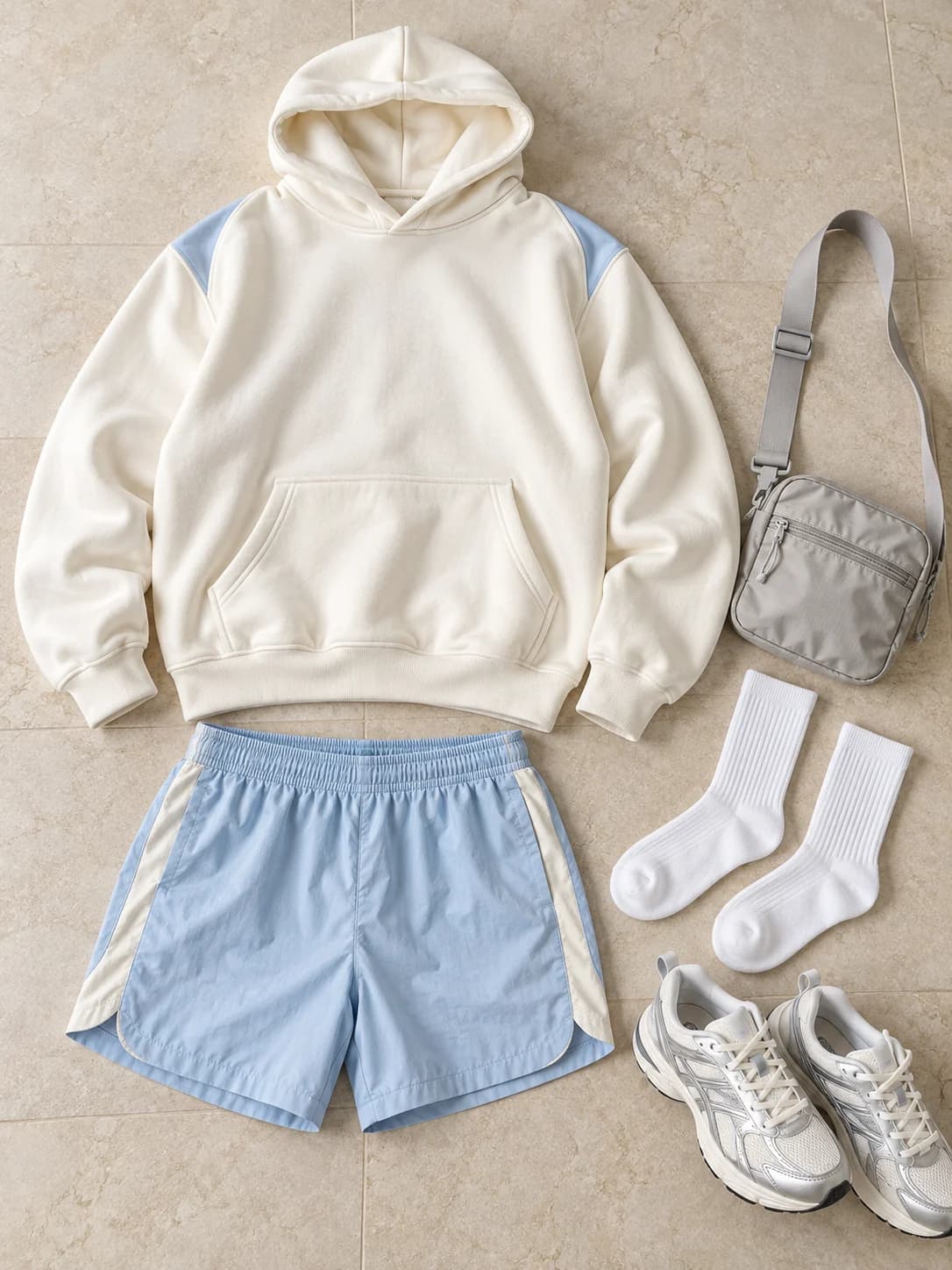
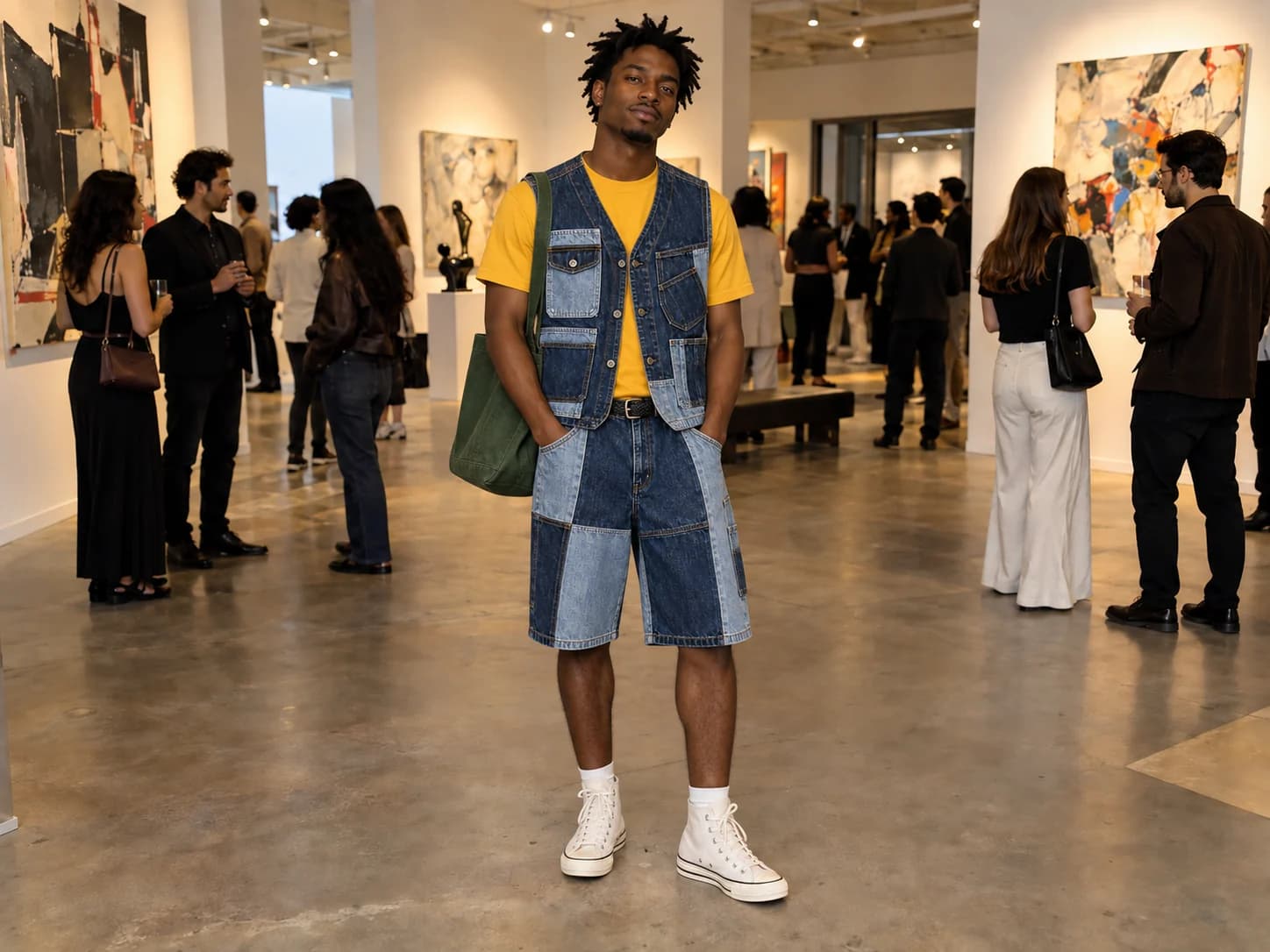
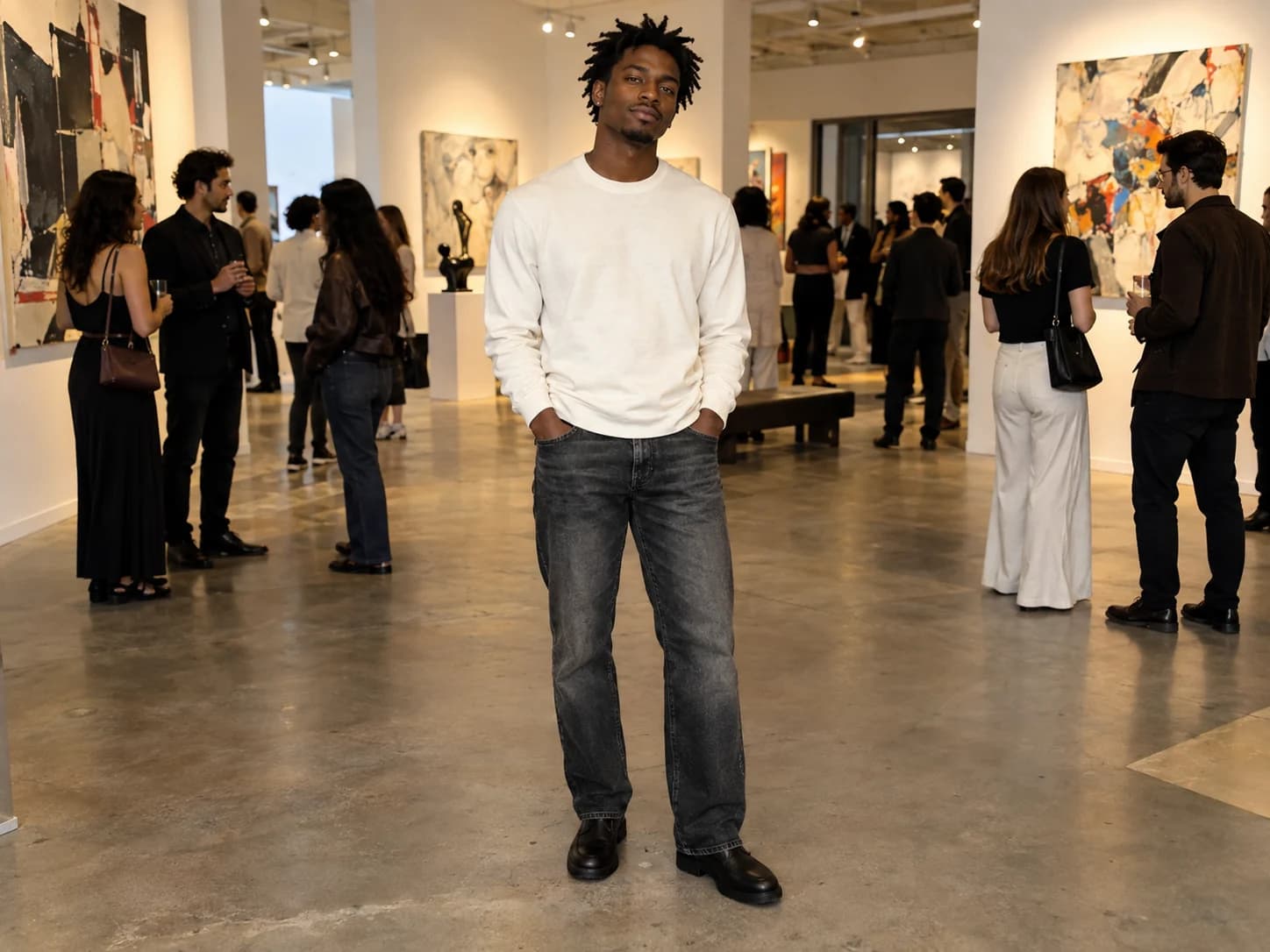
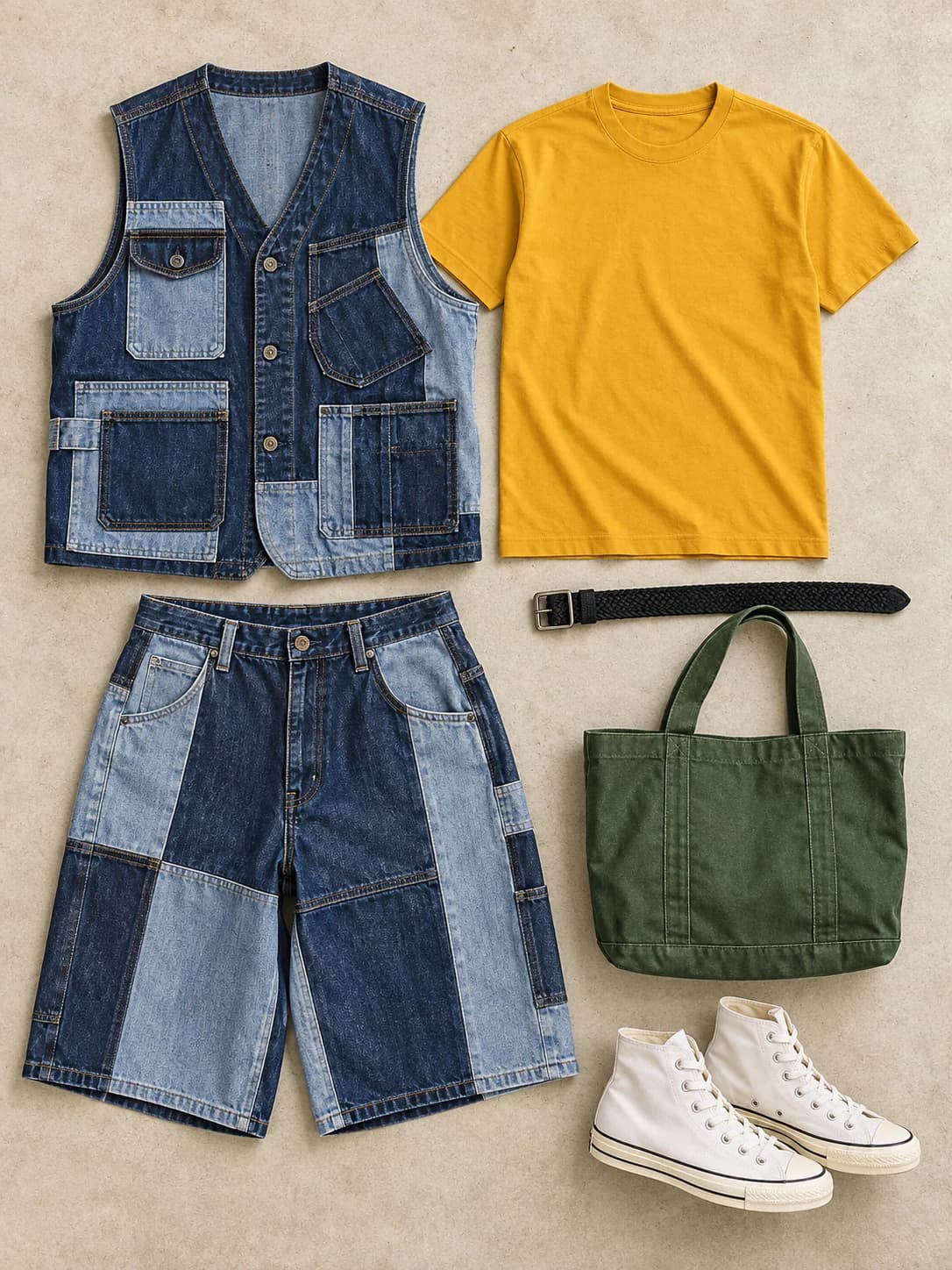
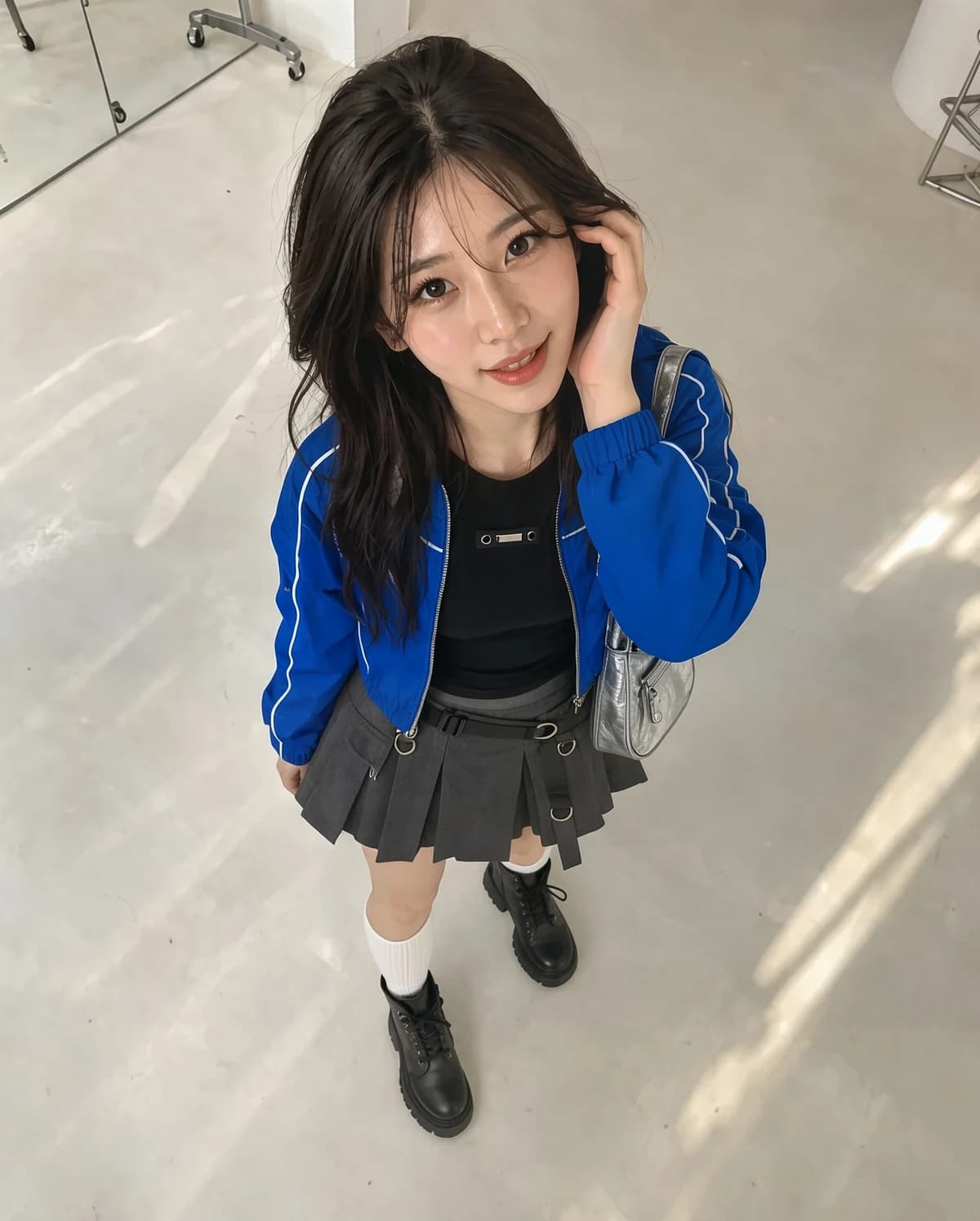
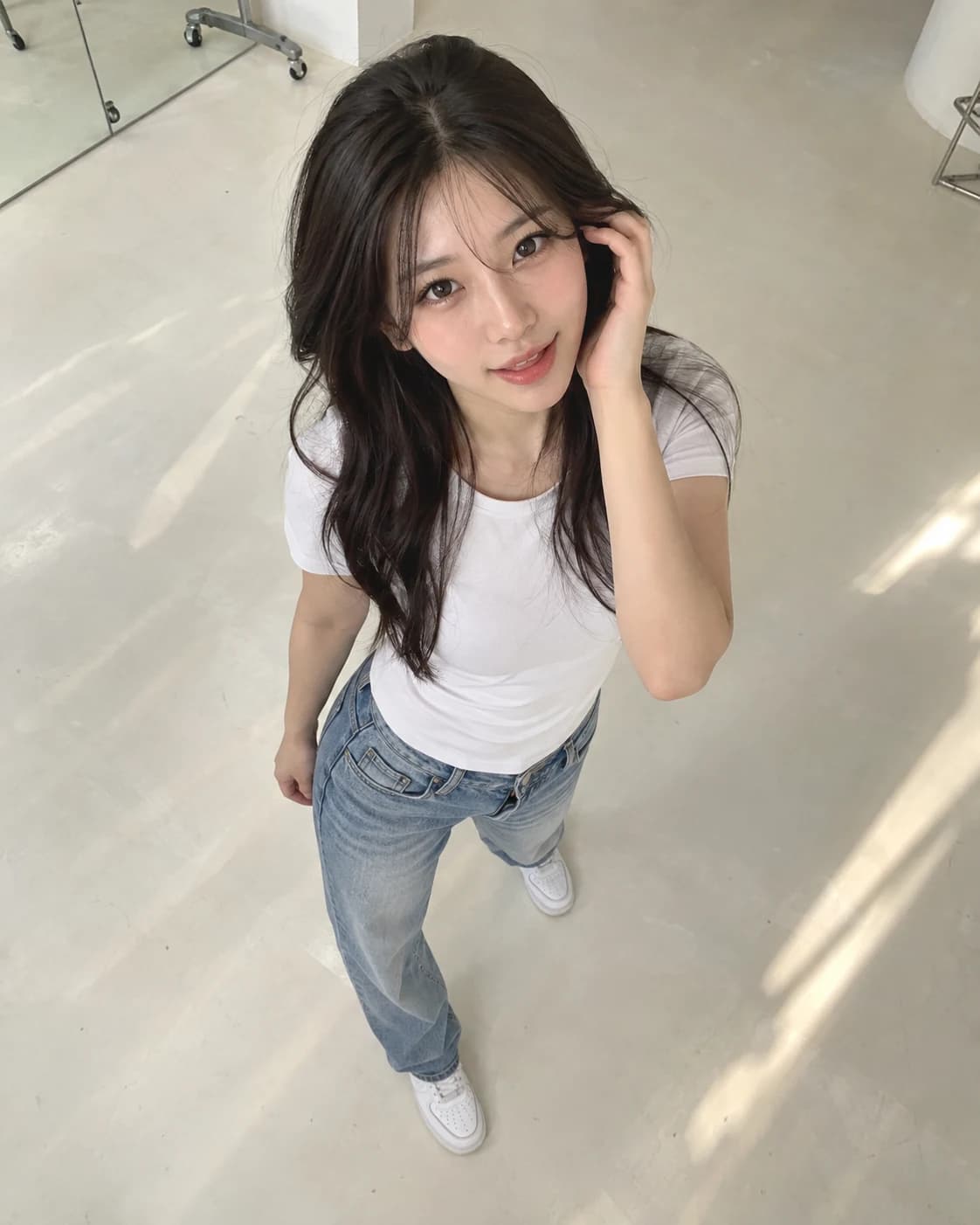
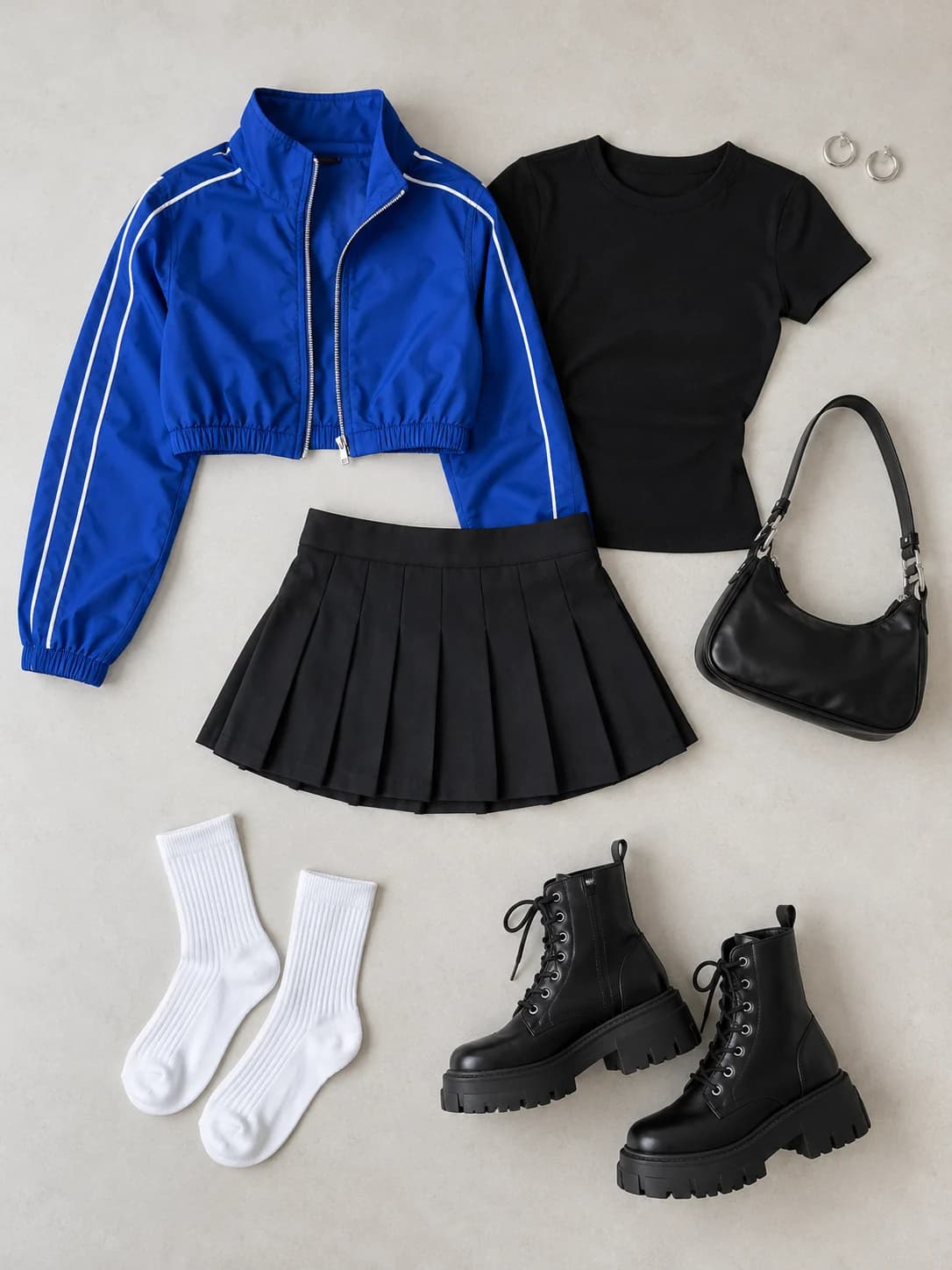
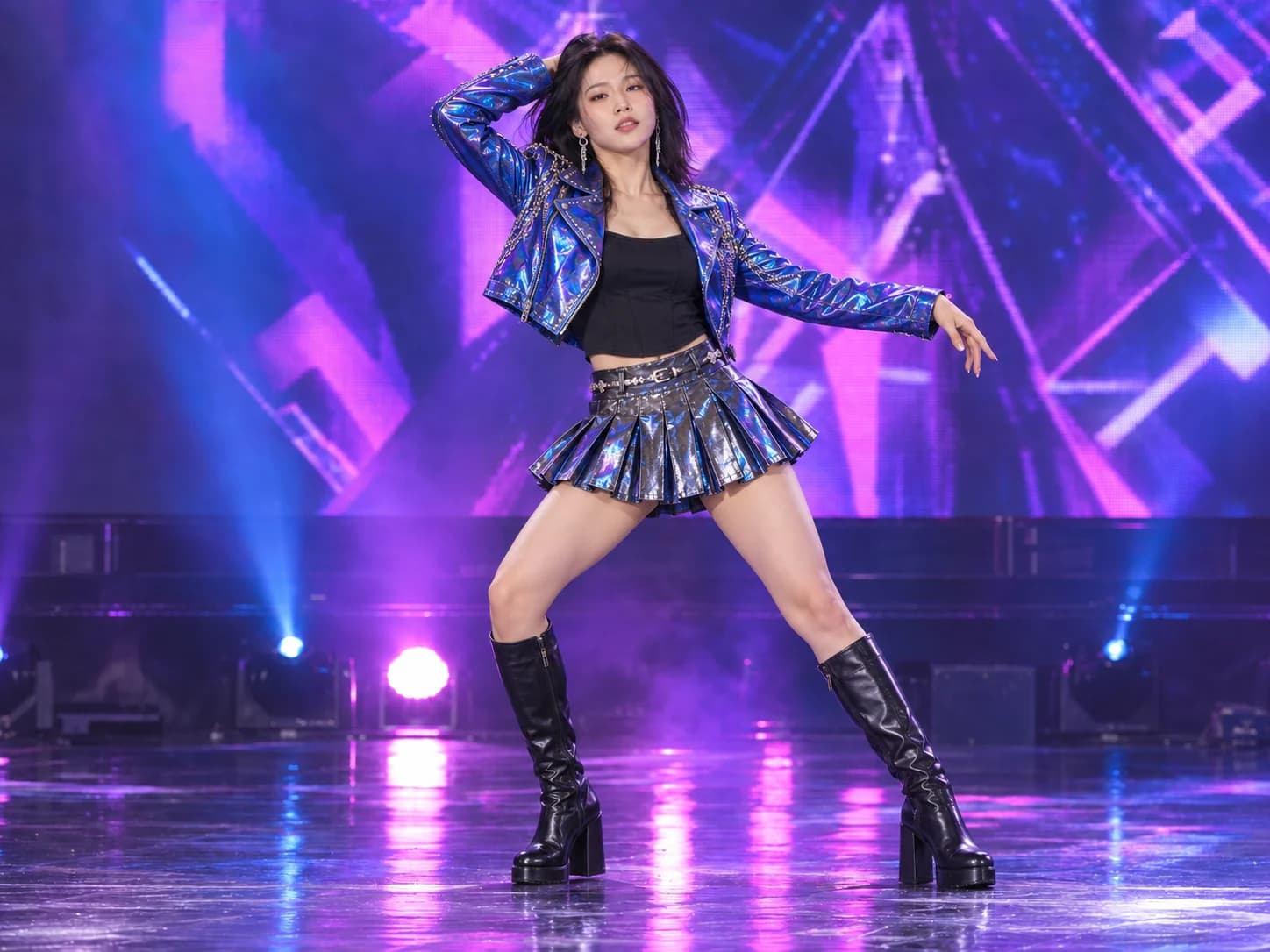
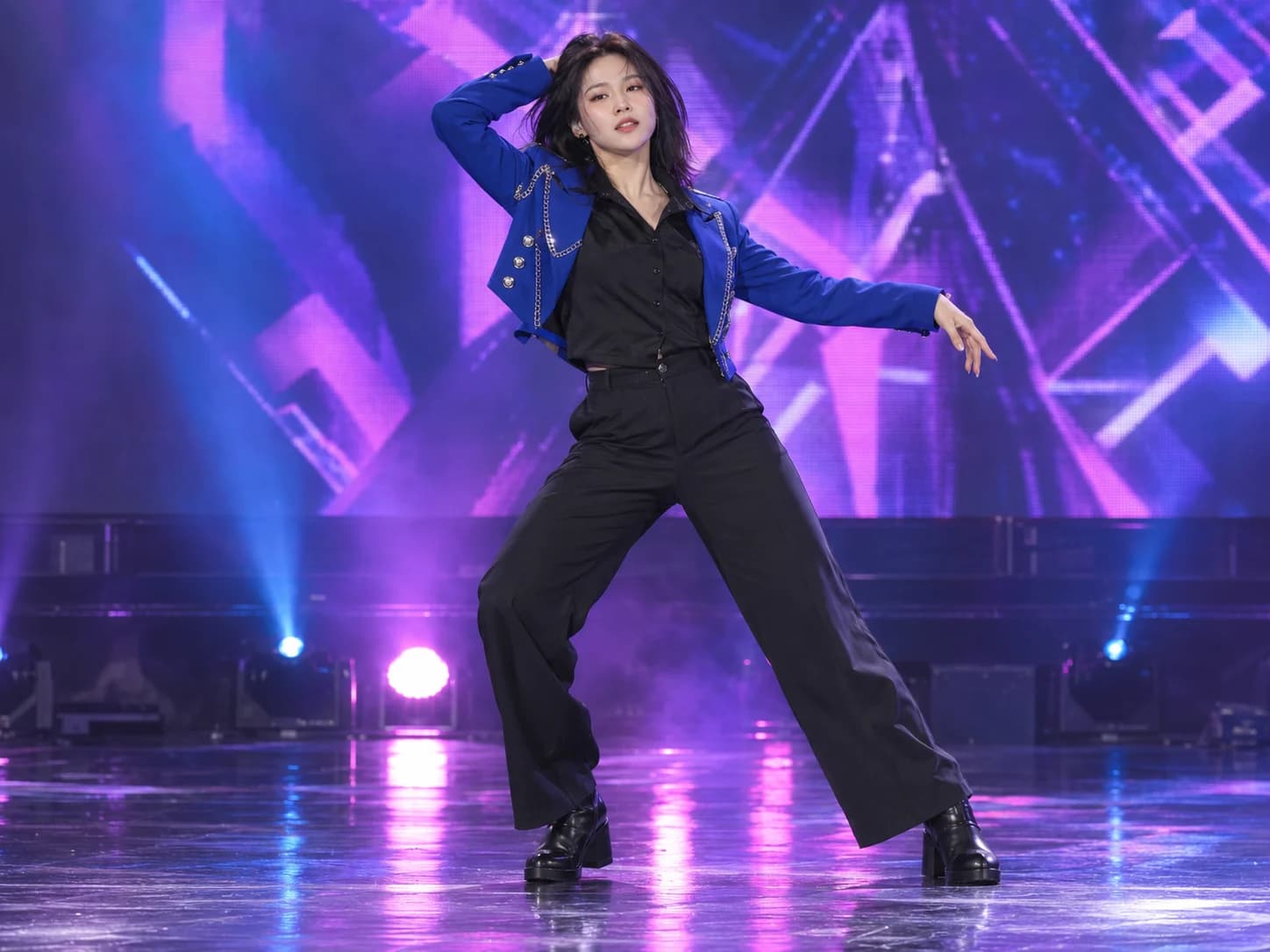
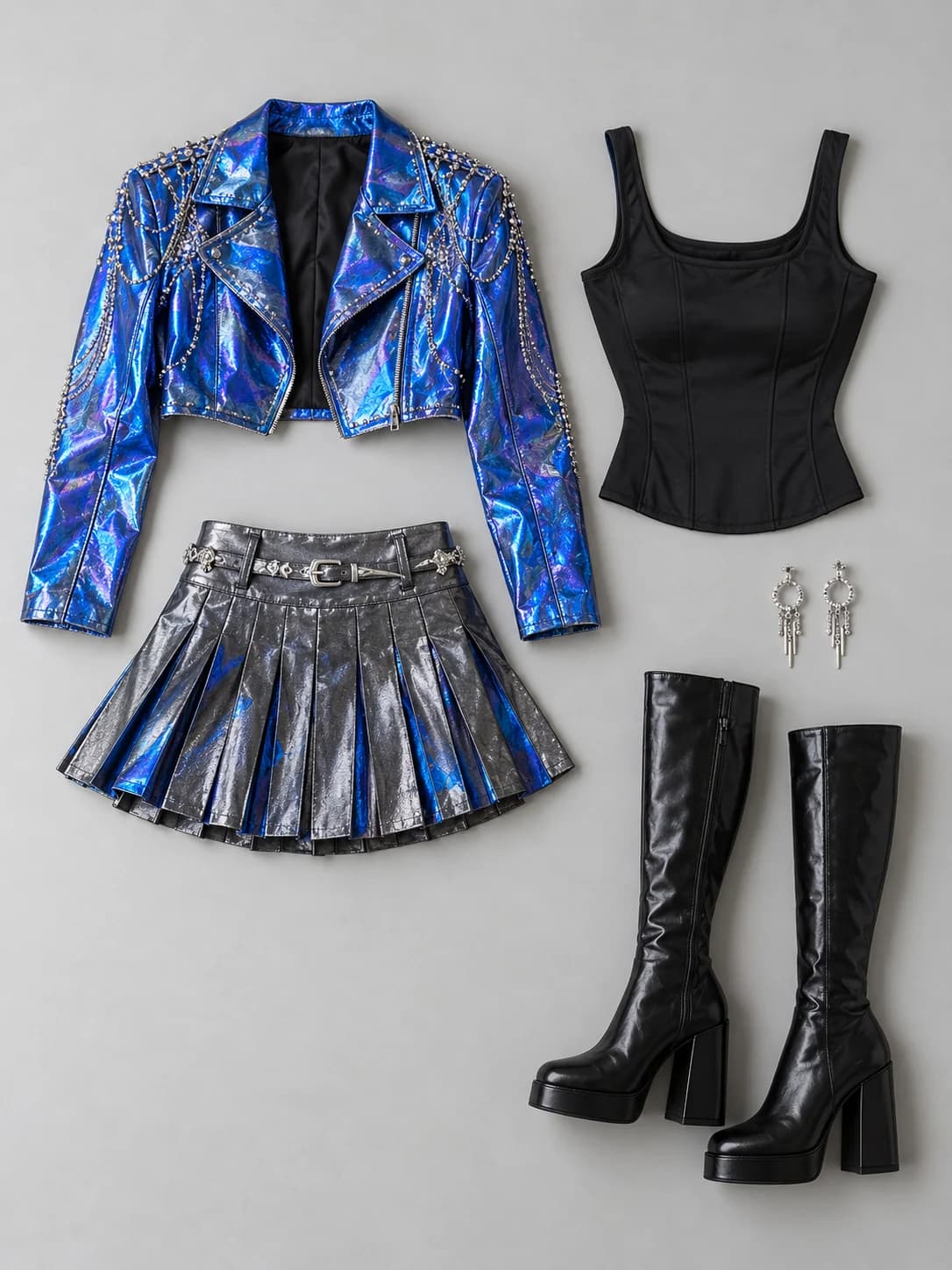
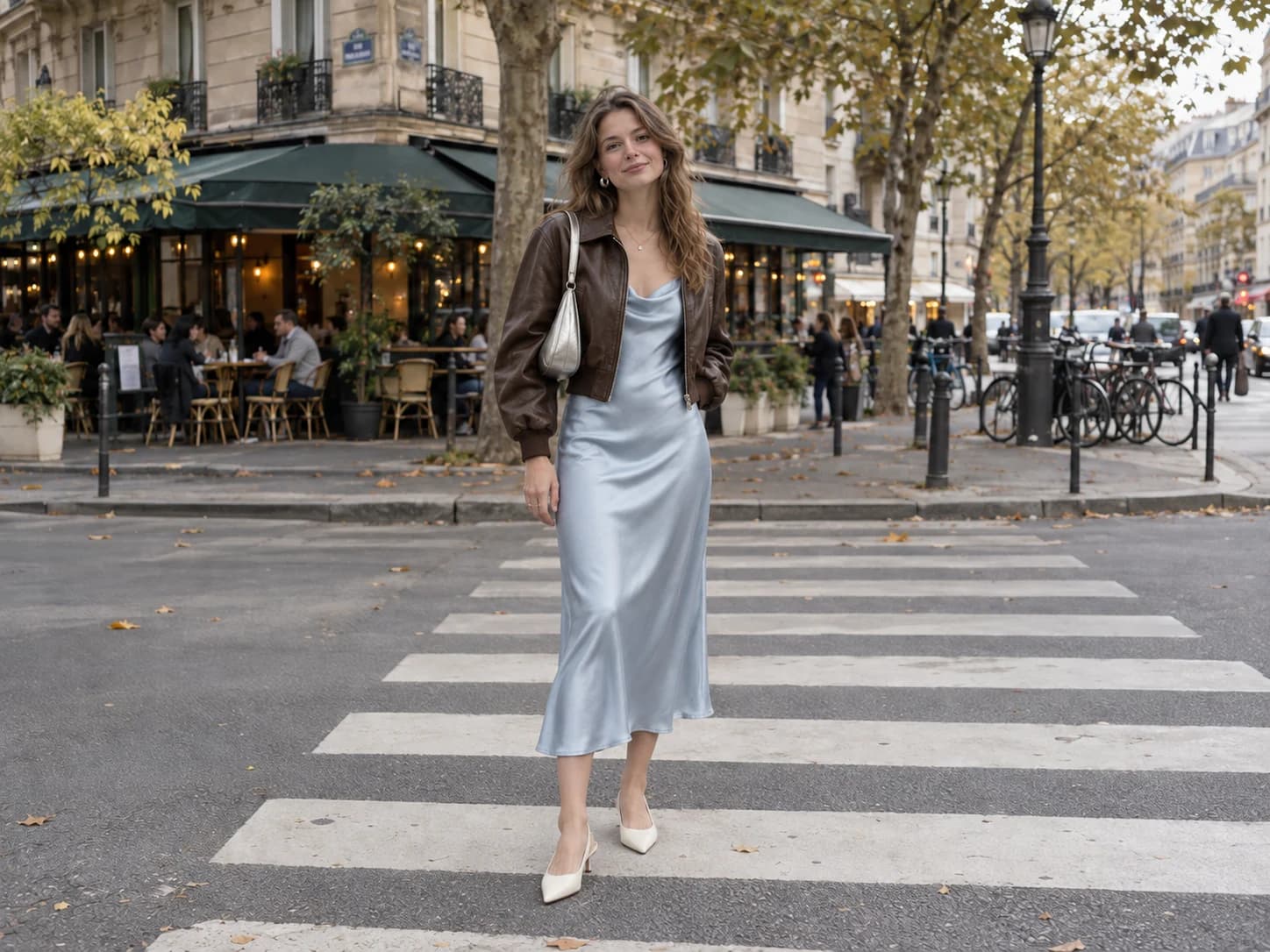
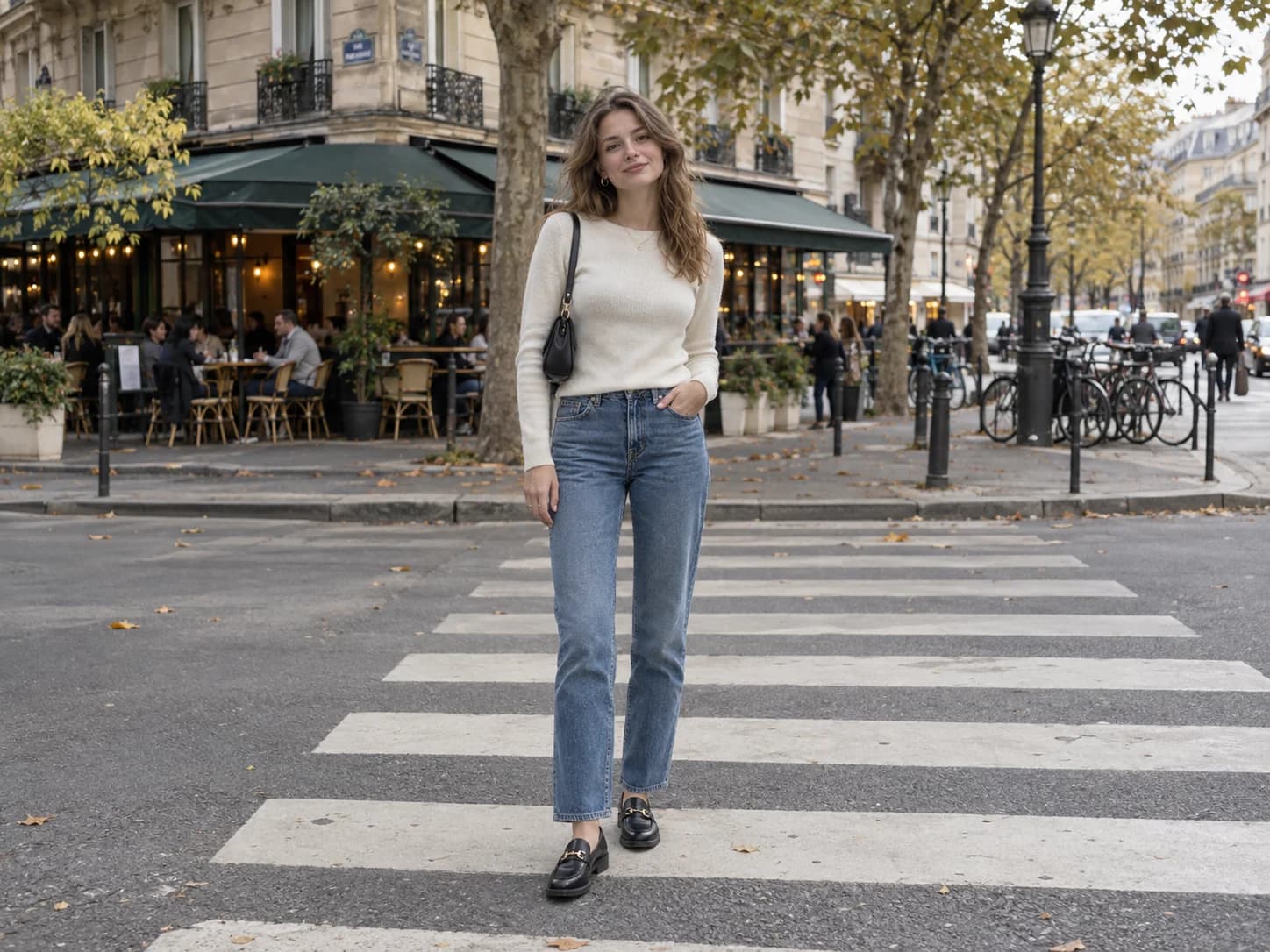
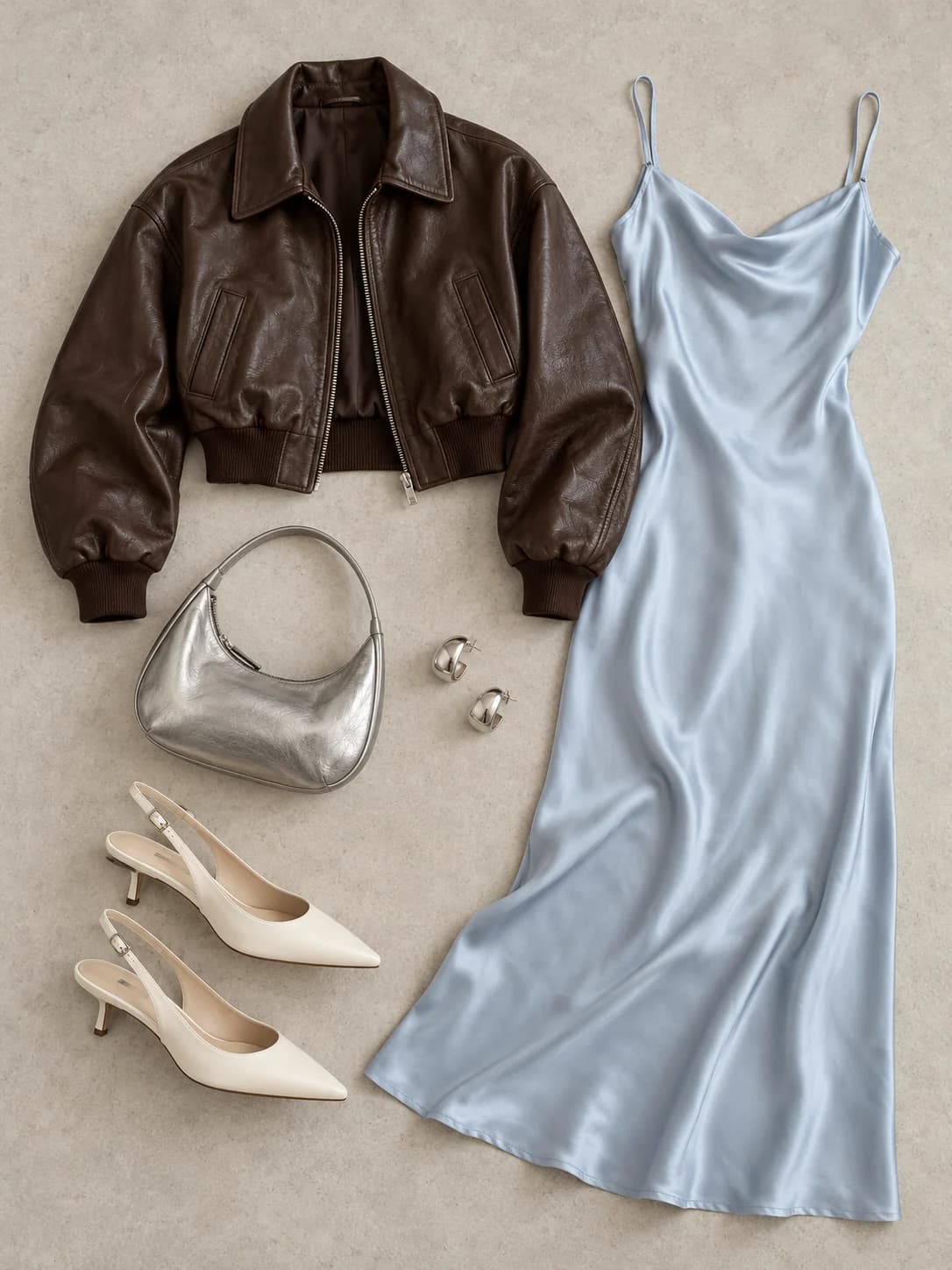
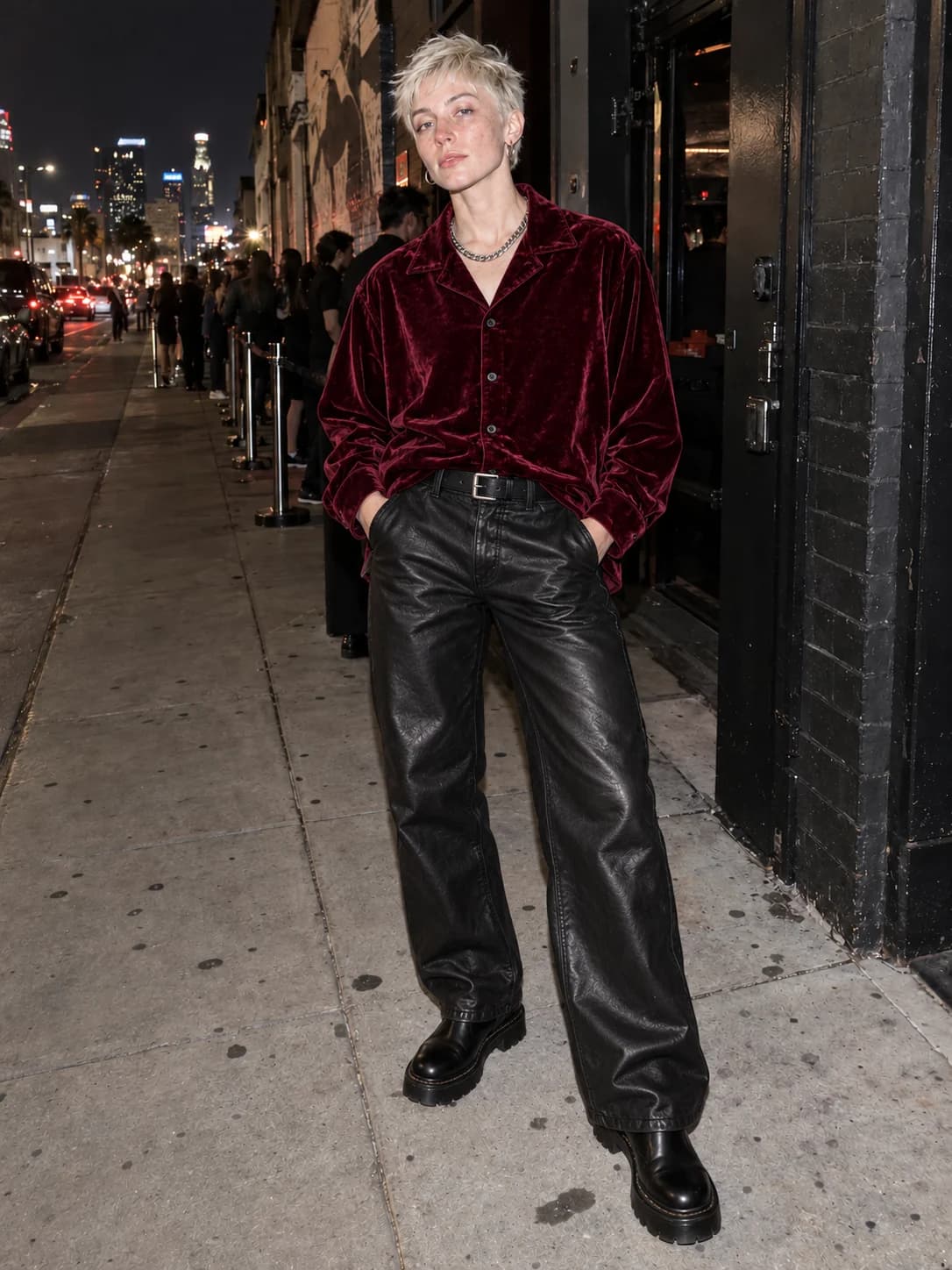
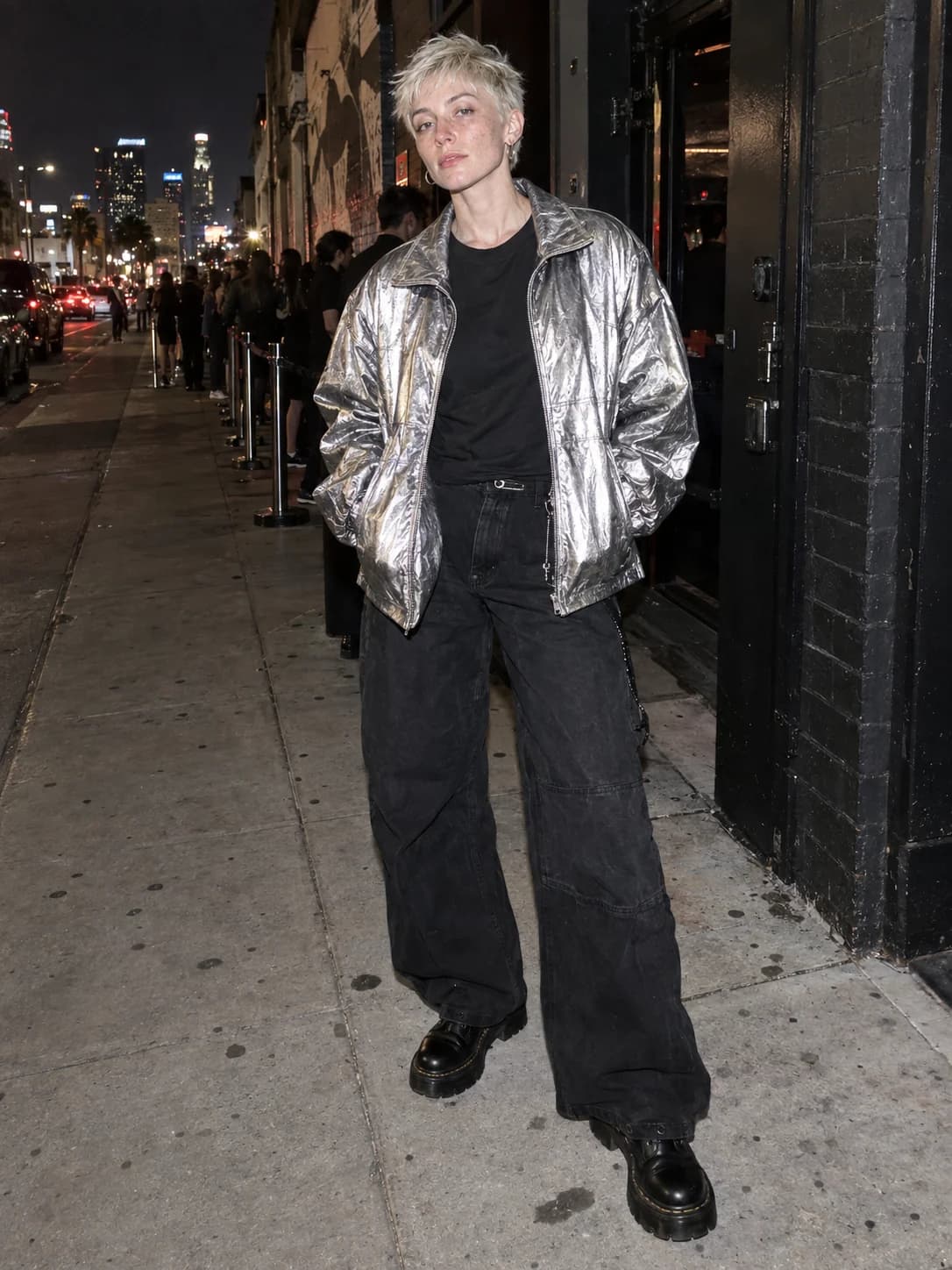
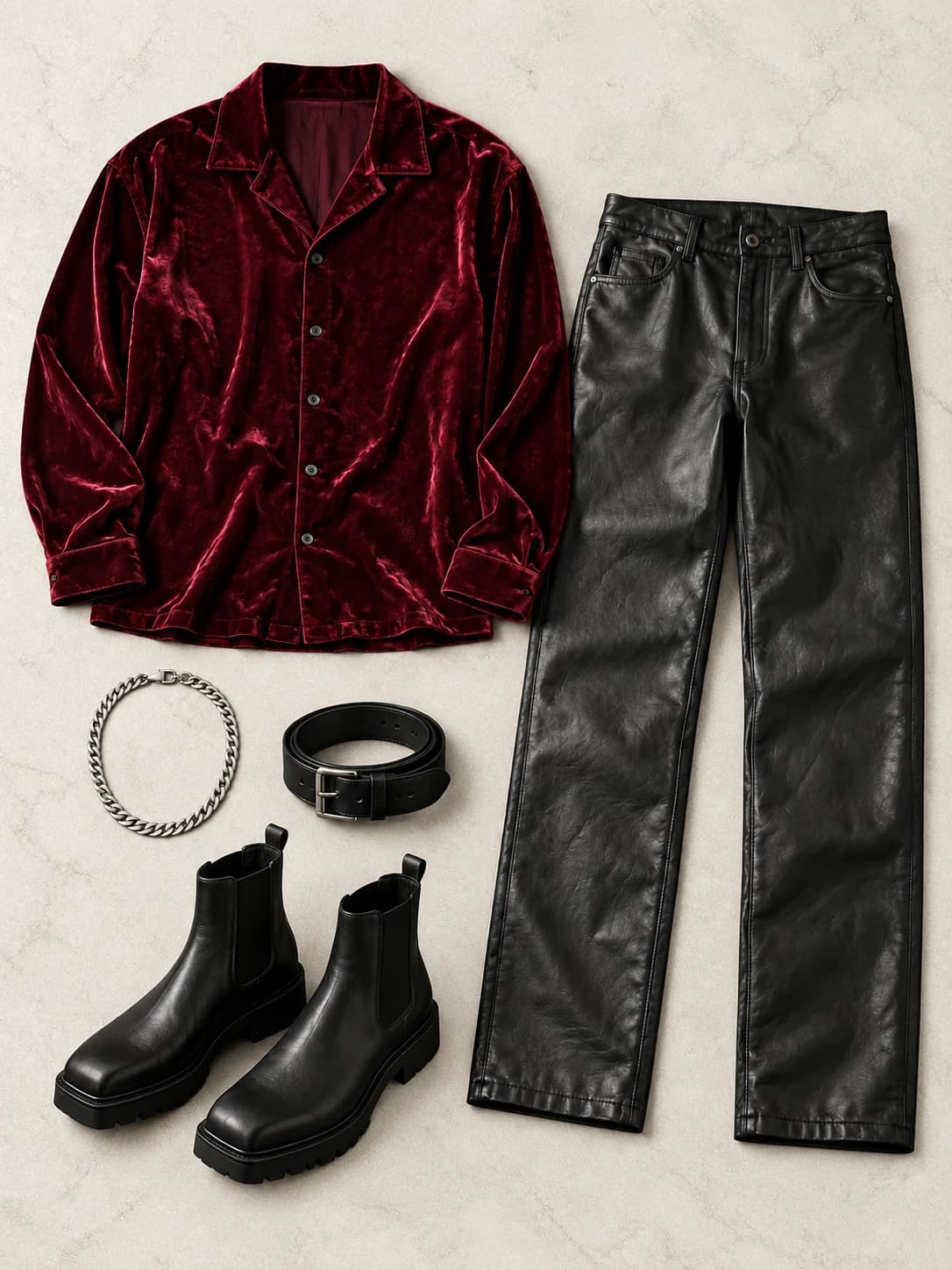
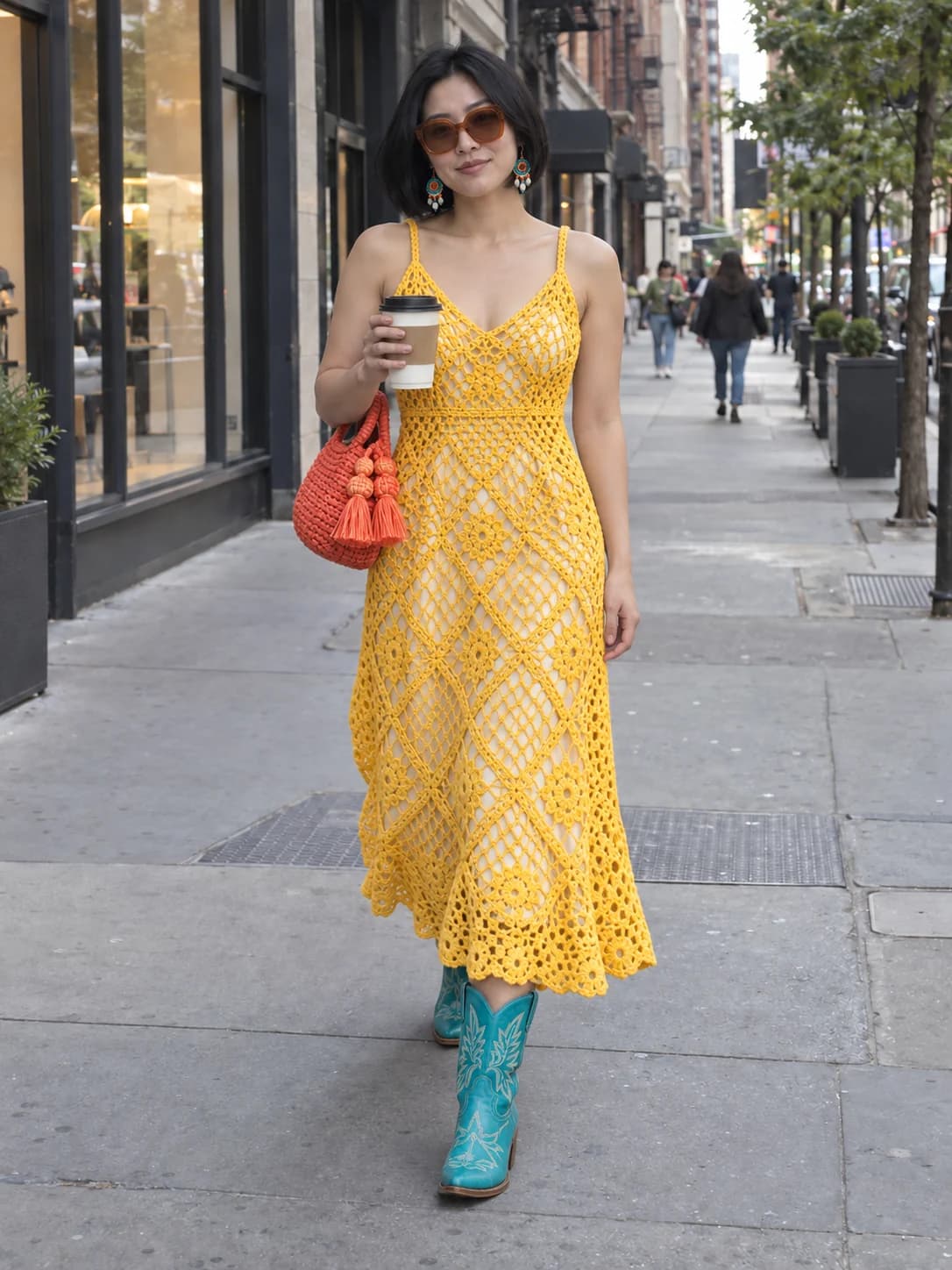
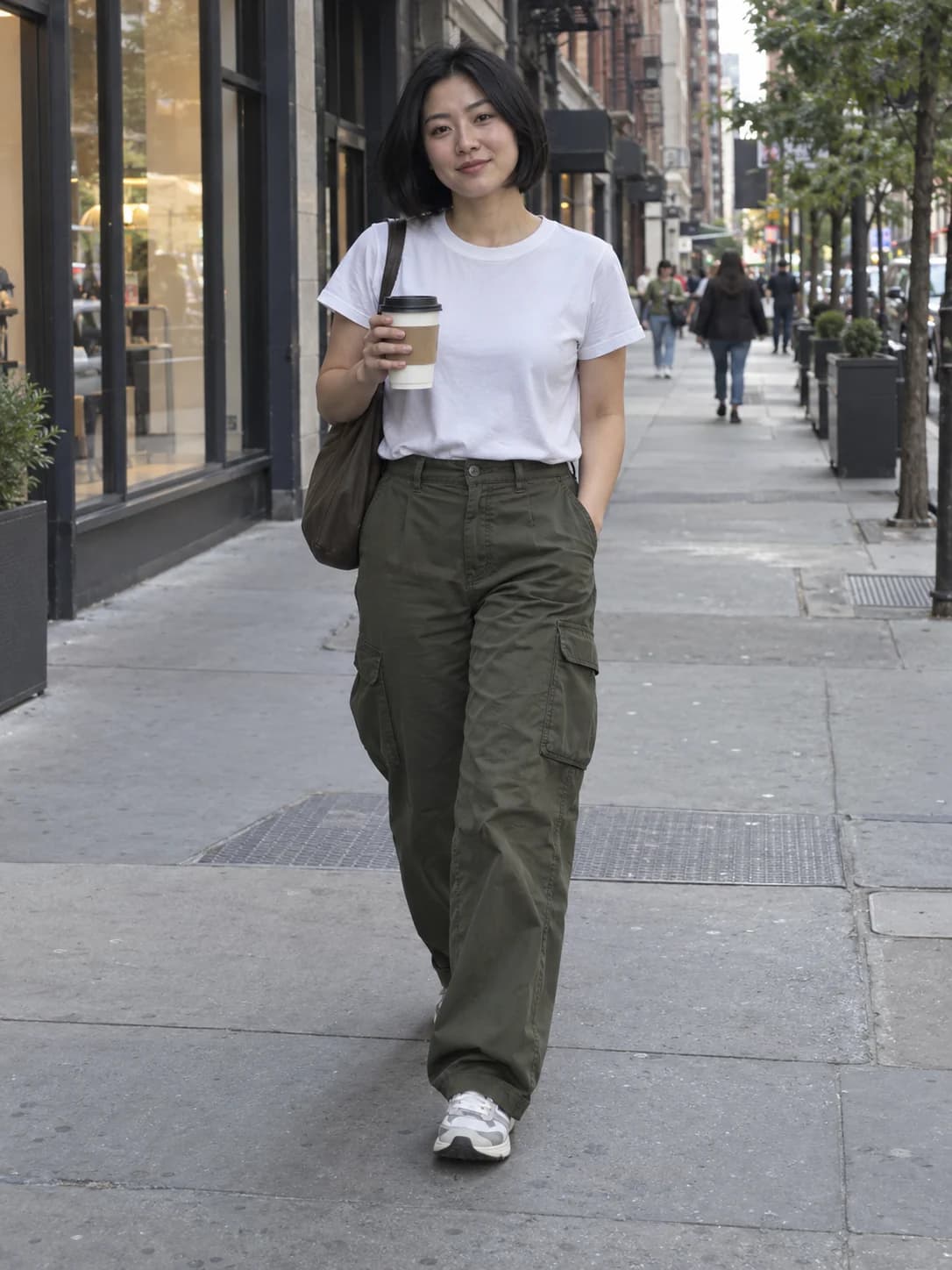
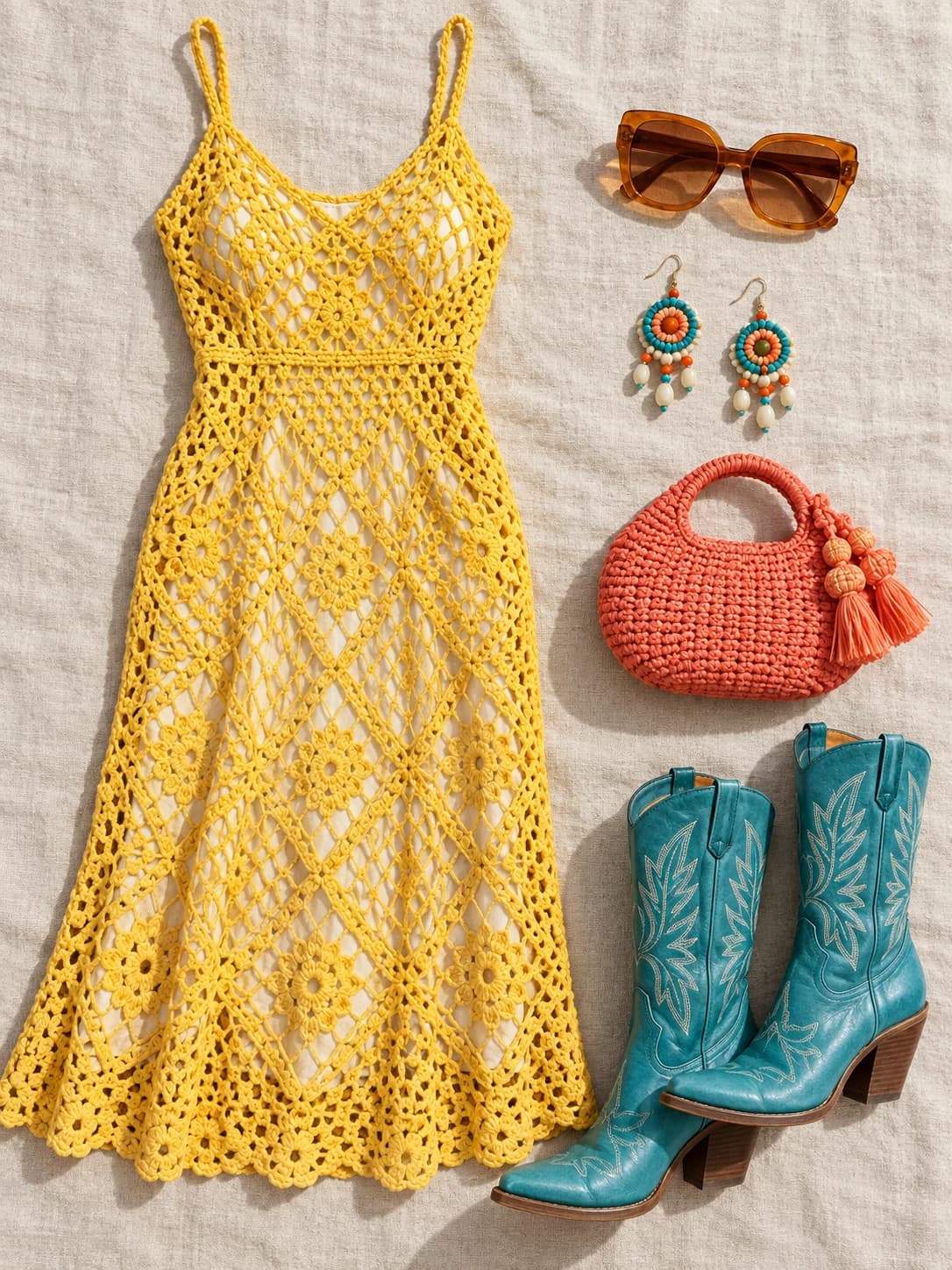
AI Clothes Changer Before and After Examples
Explore preset outfits, clothing references and written descriptions. These illustrations are not verified Mind Forge AI outputs; results vary with the source photo.
Casual Look to Streetwear
Explore a blazer and striped shorts while retaining the original cafe scene.
Try On an Outfit from a Clothing Photo
Use a clothing reference to guide layers, colors and style.
Change Clothes with a Description
Describe a brown suede jacket, striped polo and dark jeans for a vintage outfit preview.
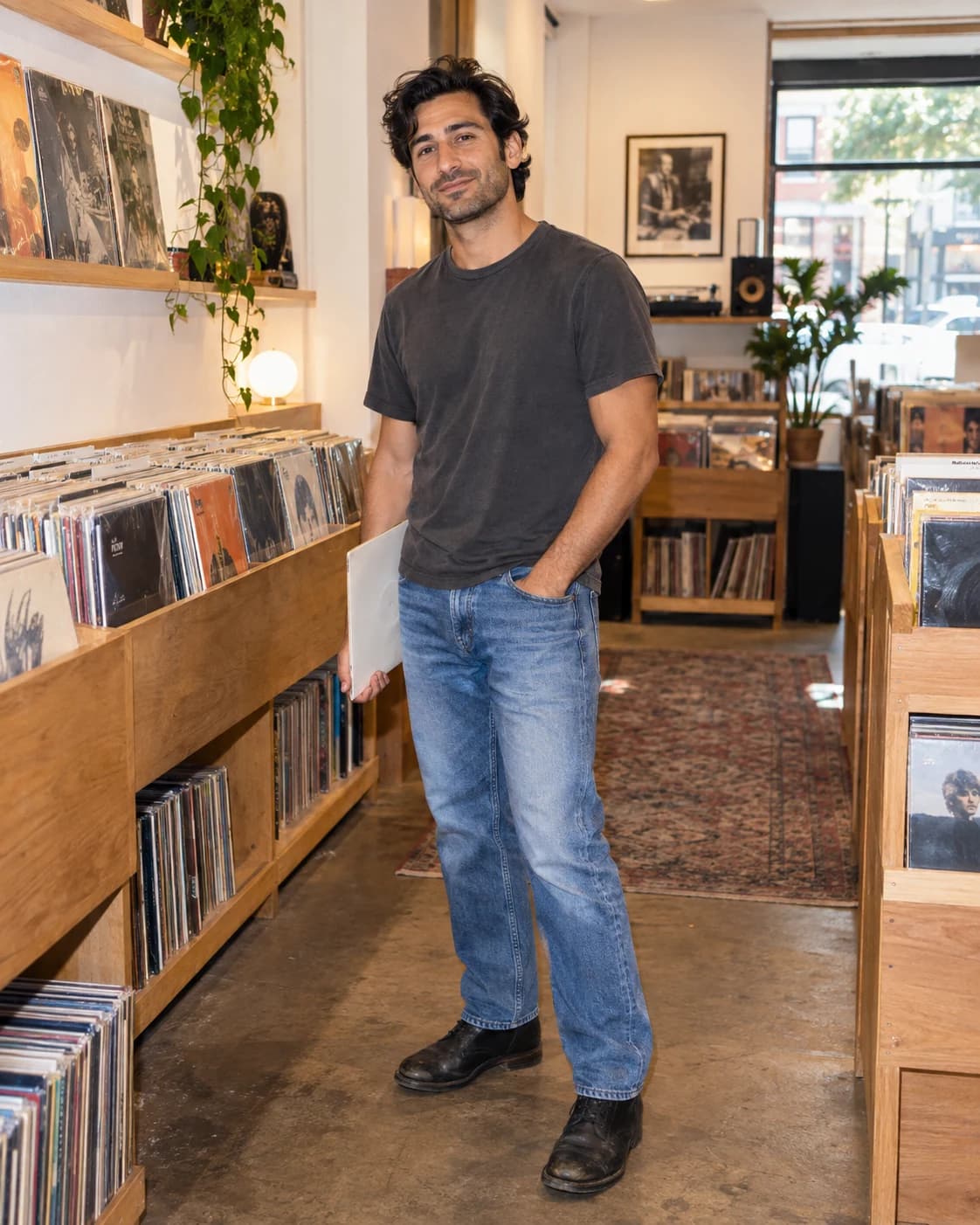
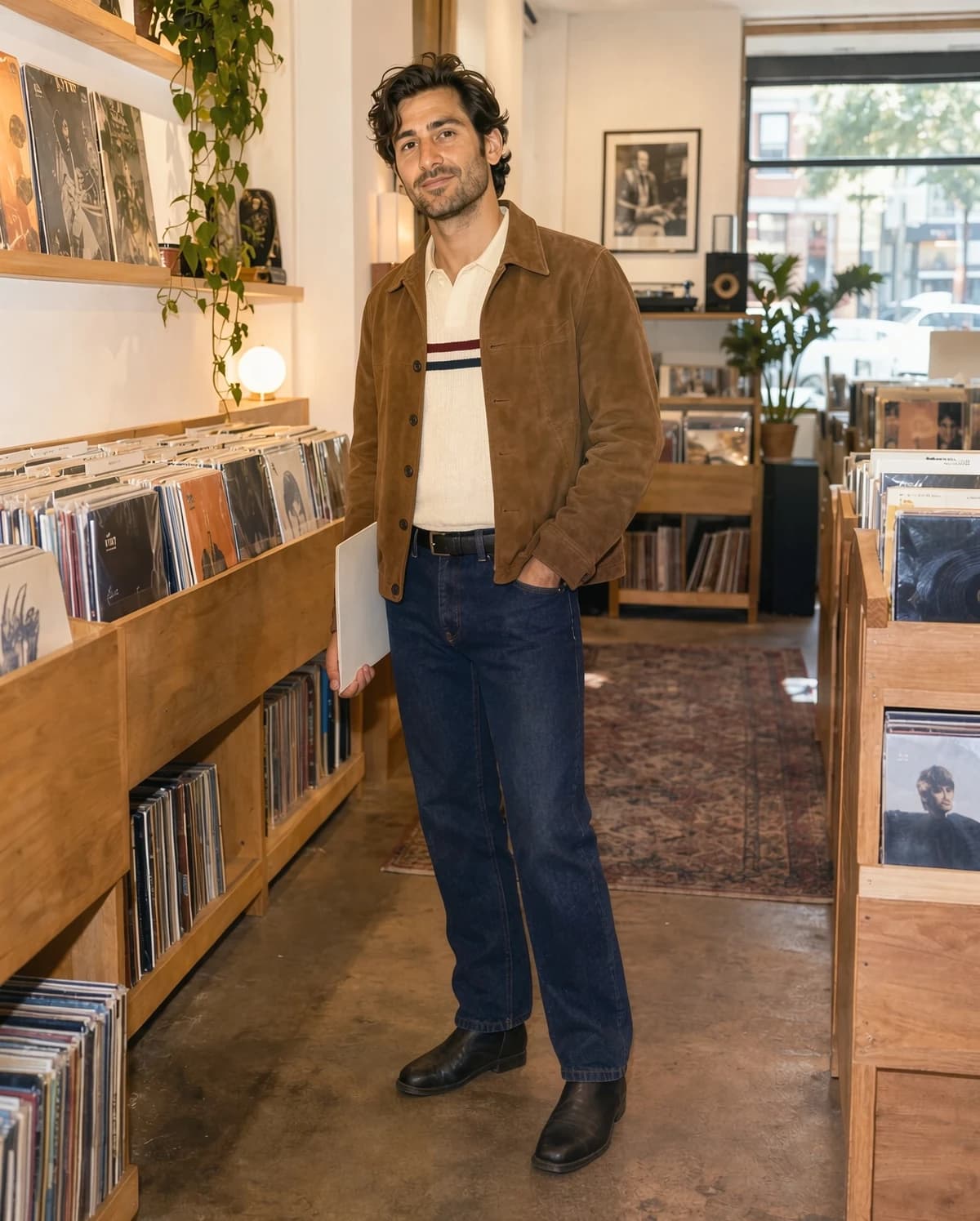
How to Change Clothes in a Photo
Add your photo, choose an outfit and preview the edit.
Upload Your Photo
Choose one person with the outfit clearly visible.
Choose an Outfit
Pick a preset, upload clothing or describe an outfit.
Generate and Compare
Review the credit cost, generate and compare the result.
Explore Outfits with an AI Clothing Changer
Three Try-On Options
Choose presets, a clothing reference or custom instructions.
Identity Reference
Instructions aim to preserve face and pose; inspect generated details.
Personal Outfit Previews
Visual inspiration rather than a guarantee of garment fit.
Custom Outfits
Describe fabrics, colors, occasions and garments.
Original-Scene Comparison
Compare results against the saved person reference.
Unified Generation History
Save your references and settings for future reuse.
Credits for Your Next Look
Review the displayed generation cost and our current credit packs.
View credit packsAI Clothes Changer FAQ
1 What photo works best?
Use a clear photo of one person with the outfit visible. Blur, obstruction and group photos can reduce consistency.
2 Can I upload a clothing reference?
Yes. Choose Upload and add a clear clothing photograph. The first image is the person and the second is the clothing reference.
3 Can I describe an outfit instead?
Choose Custom and describe the garment, colors, fabric and occasion.
4 Will my face or background change?
The instructions ask the model to preserve face, pose and background, but generated details can still change. Inspect the result.
5 Does this predict real-world fit?
No. This is a visual outfit preview, not a measurement of size, fabric feel or physical fit.
6 Where are my results saved?
Open History to find completed images, download them and reuse the saved person, clothing reference and settings.